Using box selection on cells
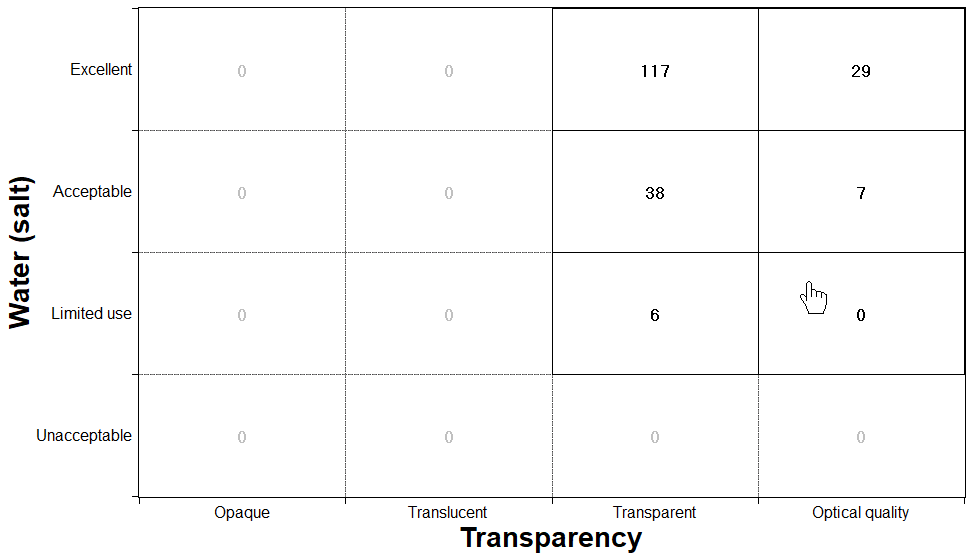
Make a box selection on a Count Chart. You may include non-adjacent cells in the selection.
This selection method can only be used on Count Charts. In the Chart Stage window:
-
Click
 Box Selection on the Chart
Stage toolbar.
The cursor over the chart turns into a hand
Box Selection on the Chart
Stage toolbar.
The cursor over the chart turns into a hand
-
To remove a cell from the selection, hold down the Ctrl
key and click it again.
The records that fail the selection will be counted in gray.