


Quick Search
Use the Quick Search box in the MI Viewer toolbar to perform a rapid, full-text search for keywords in all the records available in your currently-selected database or Profile.
Video: How to run a simple text search [0:43]
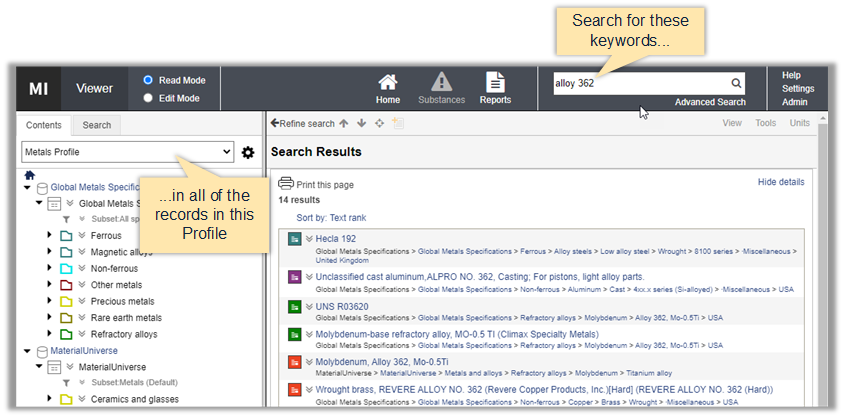
- Search terms are reduced to their root form, so a search for "marage" will find records containing the terms "marage", "maraged", and "maraging".
- Multiple words entered here will be combined using the AND operator unless otherwise specified. See Query string operators.
- You can include wildcards and query string operators such as AND, OR and NOT here.
- Non-alphanumeric characters will be treated as a space (unless they are a reserved character). So the search criteria "Steels/Stainless" is equivalent to "steels stainless".
- The Profile or database that is currently selected can affect the number of records returned. For example, with a Metals Profile selected, searching for the keyword aluminum will produce many results, while searching for the same keyword when a Plastics Profile is selected will return only a few results.