Coloring the Design
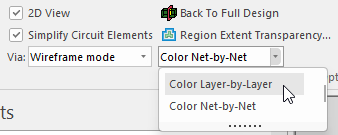
Complete the following steps to change the display colors of the design in the Model workspace to view it layer-by-layer or net-by-net.
-
Click View.
-
From the drop-down menu, select Color Layer-by-Layer or Color Net-by-Net.