Computing a Cross Section
Complete the following steps to crop out a section of the design with a clipping line to view a cross-sectional cut of the design.
-
Click View.
-
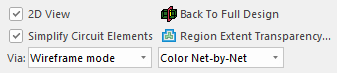
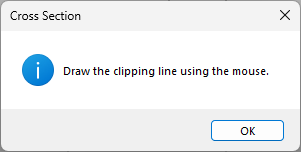
Click the Compute Cross Section button to open a message prompting users to draw the clipping line using the mouse.
-
Click OK to close the message.
- Click once in the modeling workspace to start the clipping line.
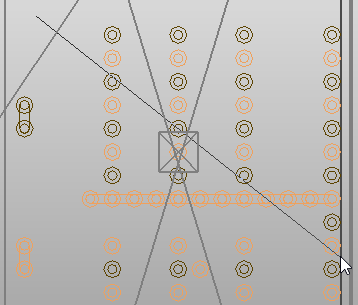
- Click again to clip the scene along the line.
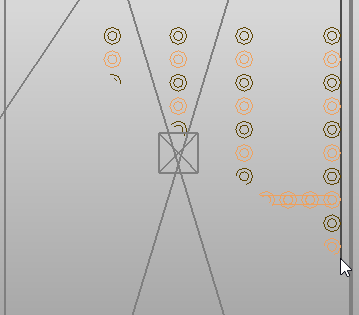
- The Compute Cross Section button changes to Back to Full Design. Click it to restore the full design.