Properties Window
The Properties window
displays and allows you to edit the properties of an item selected in the project
tree
You can choose to show or hide a docked Properties window as part of the desktop by clicking on View > Properties. You can move and resize the docked Properties window within the desktop to suit your work style.
When the
Properties window is docked, it displays the properties of any item you select
in the Project tree
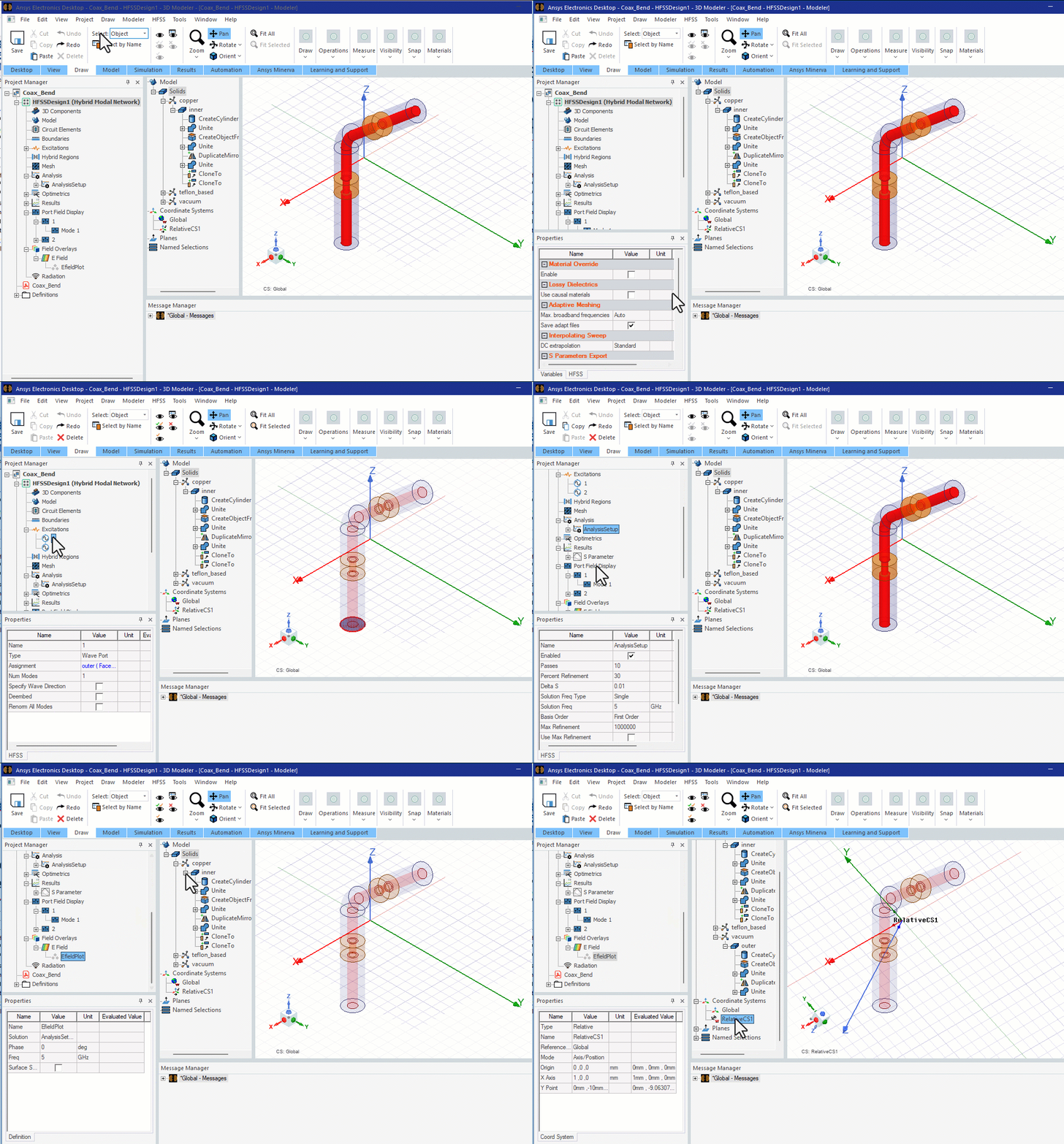
Regardless of whether or not you display a docked Properties
window on the desktop, you can open an undocked Properties
dialog box for any item in the project tree
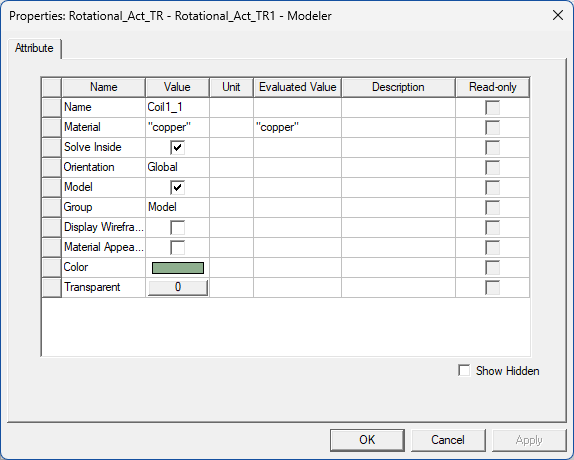
An example of the Properties dialog box for a solid model object follows. For solid model entities and sheets, the Properties window and the Properties dialog box are nearly identical.