
Component and Symbol Tabs
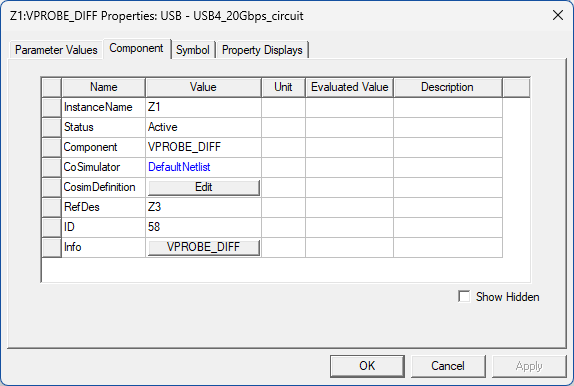
For designs with circuit components, the Component tab in the Properties Dialog Box is available if the selection's definition can be changed. It includes properties such as instance name, status, ComSim input, and substrate layer. Properties on this tab can be edited.
The Symbol tab provides information on the location of the component symbol in the schematic. The information is identical to that on the Symbol tab of the Properties Window.