Clearing Linked Data
Data linked from other design types (e.g., EM Loss data, metal fraction data) can be removed from the design containing the data. There are two ways to clear the linked data.
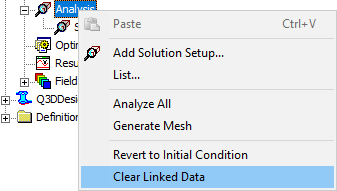
- In the Project Manager, right-click Analysis and select Clear Linked Data.
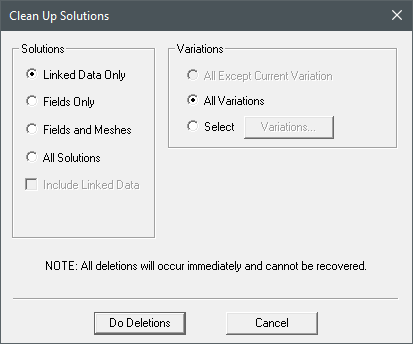
- From the Icepak menu, select Results > Clean Up Solutions. In the Clean Up Solutions dialog box, select Linked Data Only or another option and Include Linked Data. Then click Do Deletions.