UDM Parameters
UDM geometry can be manipulated through its parameters:
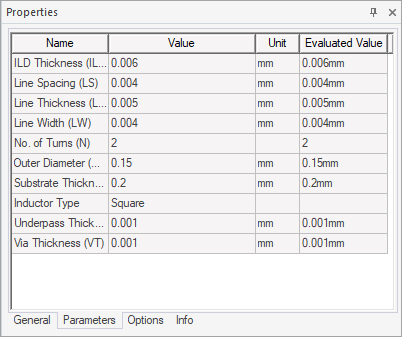
These parameters
- can be mapped to design or project variables for animation and parametric analysis;
- IDs are persisted (allowing to retain boundaries) during parameter edits.
UDM geometry in HFSS invoked through Workbench is not 'dynamically updated' upon parameter edits.
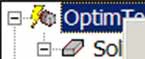
The UDM shows a lightning bolt icon
by the model name when parameters are edited.
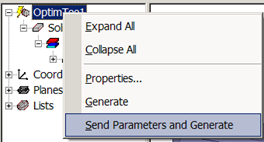
You must run the Send Parameters
and Generate command to synchronize parameters with geometry.