Create Component 2.0 Representation Model Tab
The Model tab lists all of objects in the design you selected before you invoked Create Component 2.0.
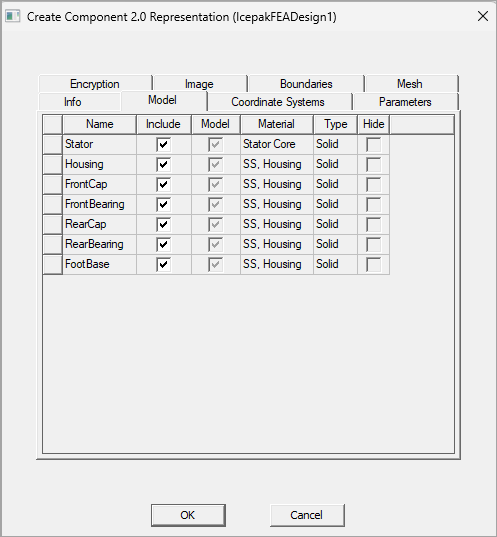
- Use the Include check box to include objects in the component (selected), or to Exclude them from the component (cleared).
- The Material and Type columns are read only.
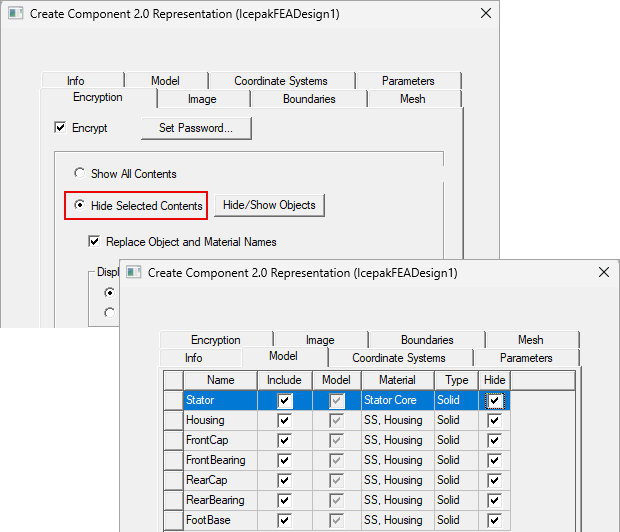
- For Encrypted components, you can also choose which objects to hide. The Hide column is only enabled if you have the Hide Selected Contents option selected on Encryption tab.