
General and Component Tabs
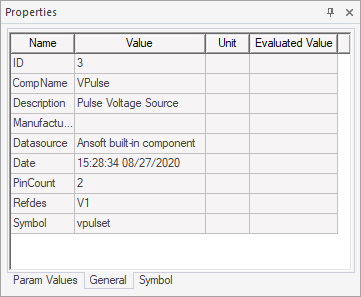
If the selected component is from one of the component libraries, the Properties window will include the General tab, which lists the selection’s name, symbol name, reference designator, and other data. These are generally not editable.
If the selected component has editable definitions, the Properties window will include a Component tab:
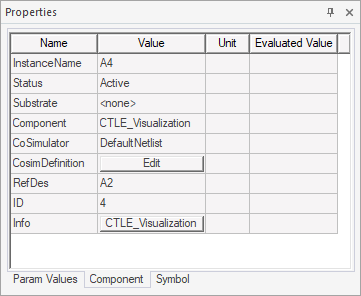
This tab includes the instance name, its status, substrate layer, CoSimDefinition, and more. These fields can be edited.