Specifying Solution Settings
Specify how Ansys Electronics Desktop will compute a solution by adding a solution setup to the design. In the Project Manager, right-click Analysis and click Add Solution Setup.
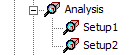
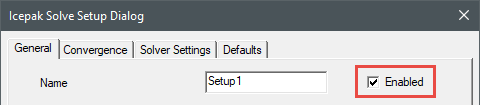
You can define more than one solution setup per design. To apply a solution setup's settings, ensure that the Enabled check box is selected on the General tab of the Icepak Solve Setup Dialog.