
Editing Component Definitions
After creating an Icepak component, you can edit the component definition from the Project Manager or the history tree.
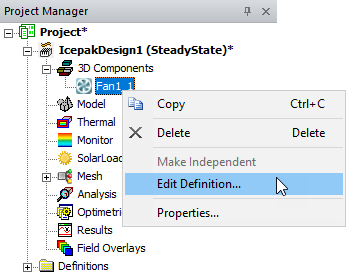
- In the Project Manager, expand 3D Components, right-click on the component, and select Edit Definition.
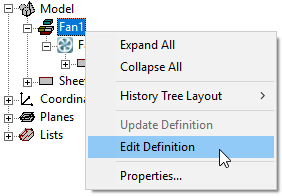
- In the history tree, right-click the component you want to edit and select Edit Definiton.
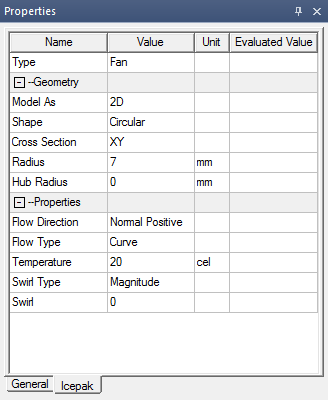
Alternatively, you can edit a component's definition by selecting it in the history tree and changing settings on the in the Properties window on the Icepak tab.
Note:
Not all component settings are editable in the Properties window.