Troubleshooting Mesh Failures
Common causes of mesh failures are improper geometry, incorrect design, or mesh settings. The HFSS mesher can automatically repair and correct a poorly translated and healed model to generate a reliable mesh. The Profile reports when mesh repairs are made and the results of these repairs are displayed for every object in the mesh statistics area.
To troubleshoot to correct potential mesh failures on simple geometries:
- Check the Message Manager for error messages.
- From the Project Manager window, expand the Project Tree and [Active Design Folder]. Then right-click Analysis > HFSS Setupn.
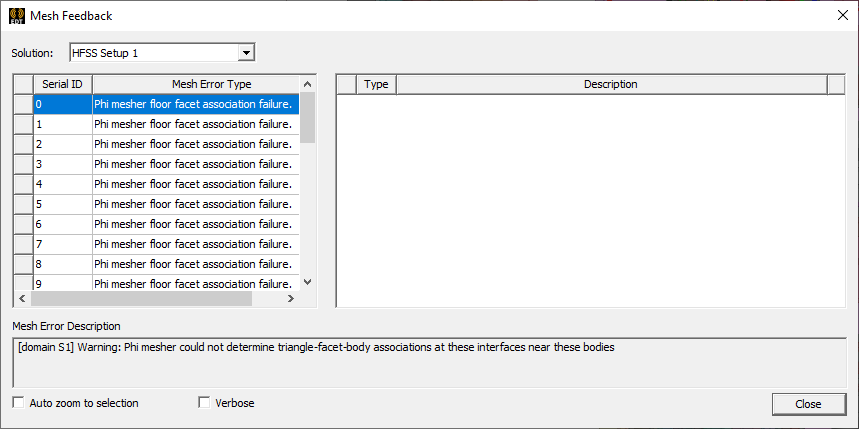
- Right-click and select View Mesh Feedback for information on the issue.