
Push Excitations to HFSS 3D Layout Ports
Excitations are calculated at the 3D Layout ports and are pushed in the same design.
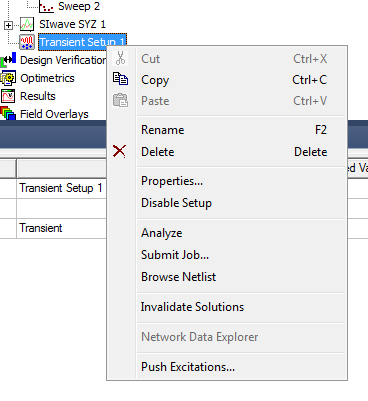
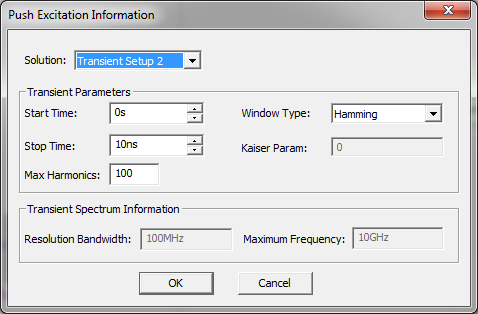
Users can right-click a Nexxim solution and select Push Excitations to open the Push Excitations Information window.
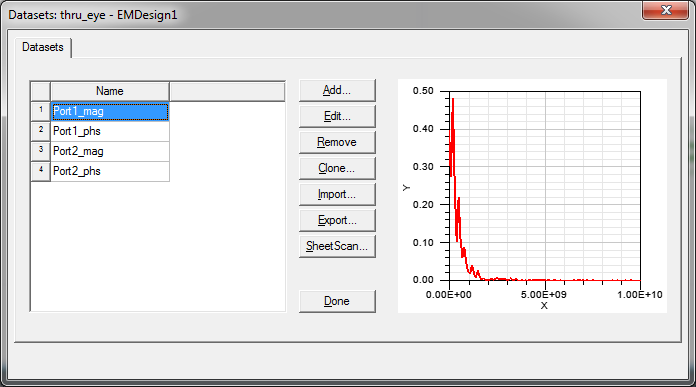
Data sets are created using these port excitations.
Voltages are extracted and port-excitations are calculated. The Port Excitations option in the shortcut menu that is accessed on the Excitations folder also allows users to edit excitations at 3D Layout ports.
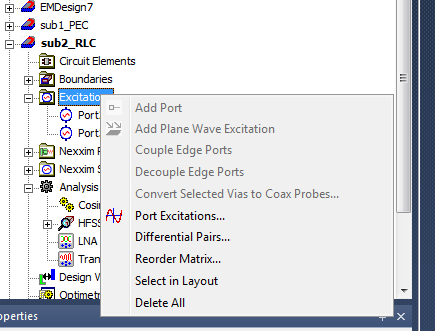
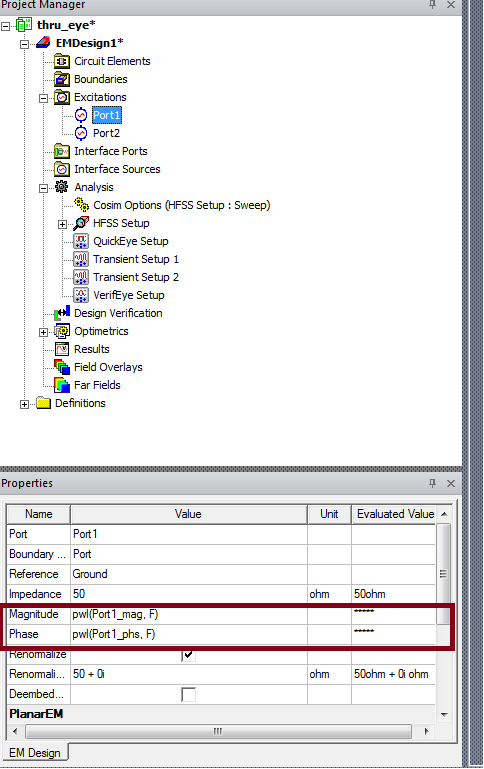
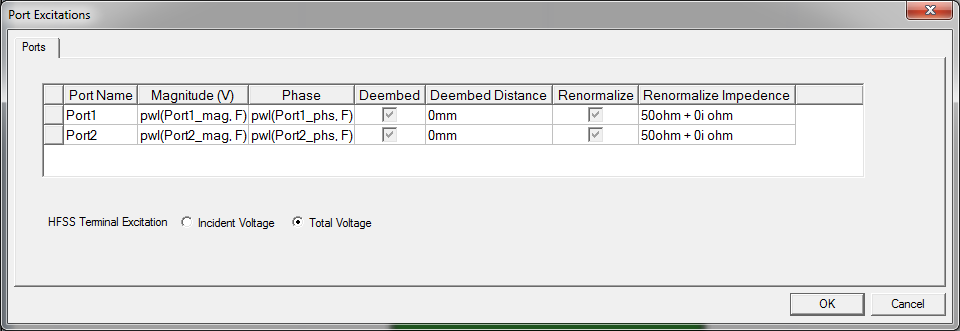
The excitation calculated for each port is also available on the Port Excitations window and from Port Properties. Far Field plots and Field Overlays are updated with the new excitations.