Mesh Region Options for Layout Component
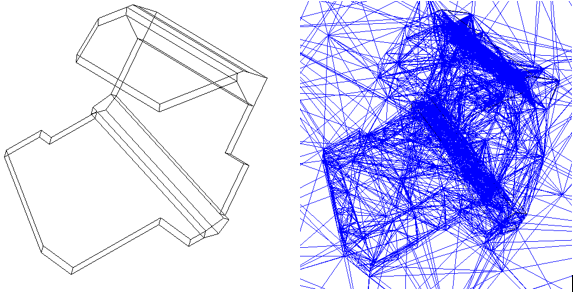
When you select a component for Mesh Fusion a mesh region is required to define the meshing boundaries between this component and native geometries. The choice of the mesh region directly affects the quality of the resulting mesh. Layout Component includes envelope options that allow flexibility in handling Layout Component meshing including Bounding Box, Conformal, and Convex Hull.
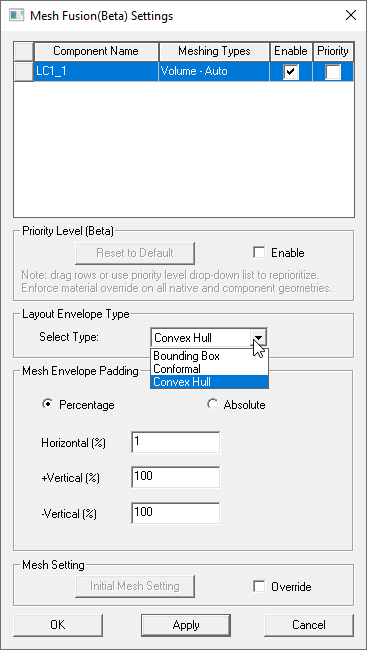
The shape of the envelope respects the dielectric extent chosen for a layout component. To better demonstrate the envelopes, the following layout component has conformal dielectric extent defined.
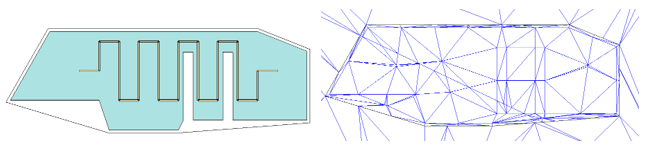
Convex Hull Envelope Example
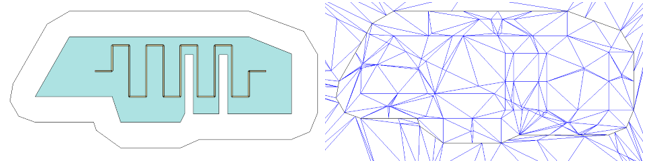
Conformal Envelope Example
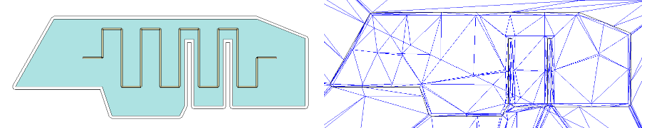
Conformal envelopes may cause meshing issues, especially for a geometry with small gaps, as shown above. In such cases, you can specify a larger padding as shown in the following example. Note that the gaps in the middle disappear in this case.
Options for Layout Component with Multizone stack up type
Mesh envelope options and padding choices for component with multizone stack up type include Bounding Box and Zone.
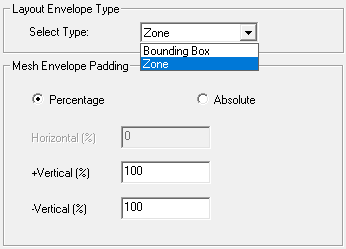
For Mesh Fusion, the Mesh Envelope can be specified as a percentage or as an absolute. If necessary, conversion from relative to absolute is done for Layout Component in HFSS when doing mesh assembly. For multizone stack up envelope padding, the conversion is based on the largest layer thickness across all zones.
The Zone envelope type respects the user-defined zone outlines in a layout component.
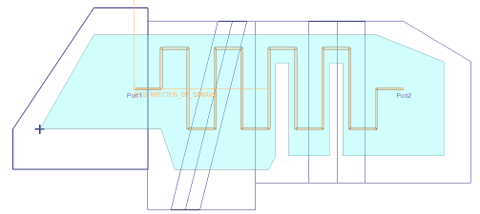
Layout component user-defined zone boundaries as well as flex bend definitions. The following Layout component shows Zone envelope type for an unbent configuration:
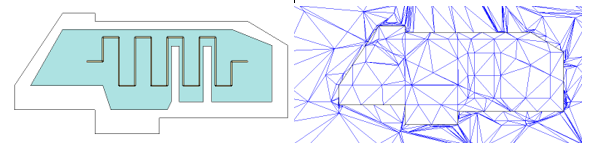
The next example shows layout component with a Zone envelope in for a bent configuration: