SBR+ and 3D Component Array
Assume that you have already created a 3D Component array, such as the “FiniteArray_Radome_77GHz_3D_CADDM” in Examples, HFSS>Antennas.
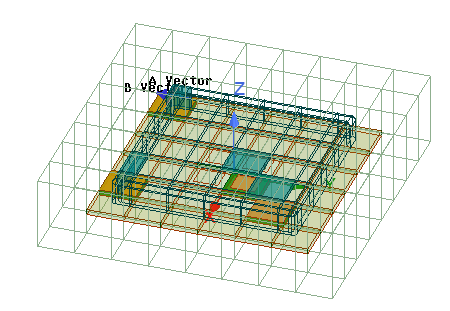
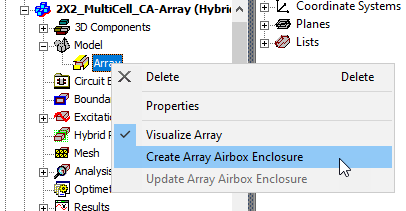
To create an SBR+ component array, you must have one FEM array airbox that encloses the entire array and add an SBR+ region. For the array airbox, you can manually define it as you wish, or right click the Model > Array icon in the Project and select Create Array Airbox Enclosure from the shortcut menu.
This opens the Create Array Airbox dialog.
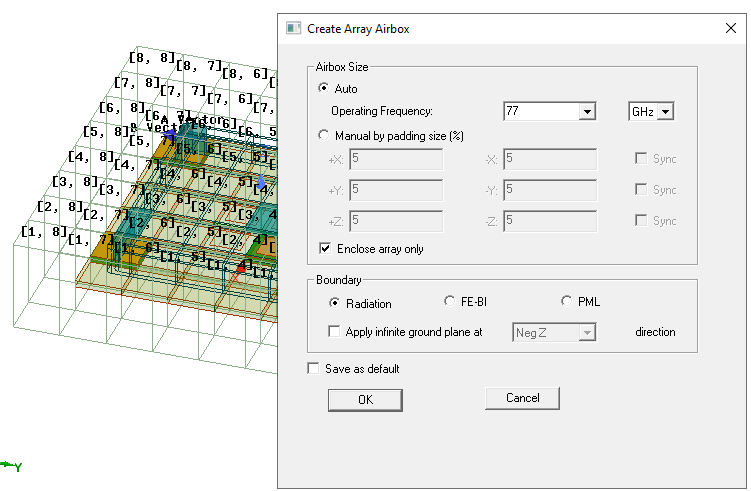
The Create Array Airbox dialog supports Auto, which is defined by frequency and enclose array only or calculated by array plus all other surrounding geometries.
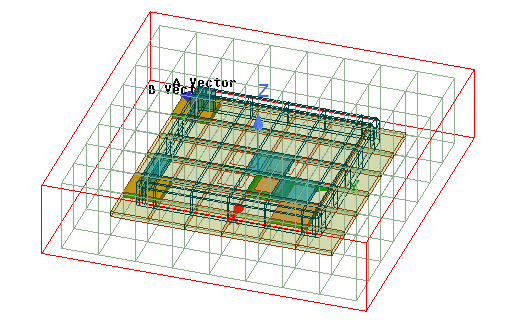
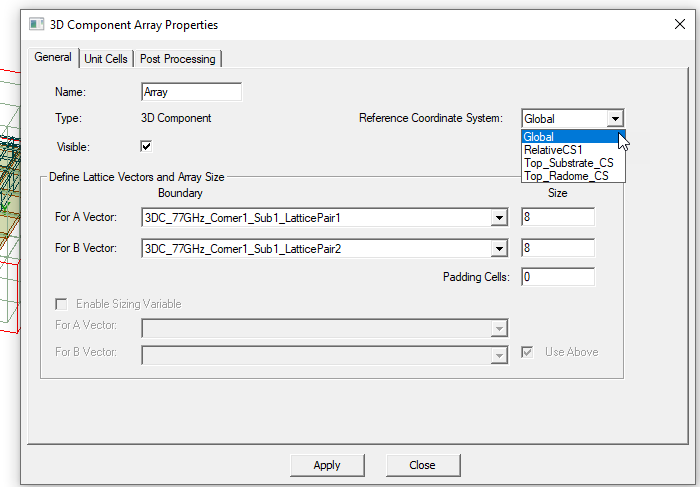
An option in the component array Property page lets you reposition the whole array (and array airbox, if it has been defined at this point) to a new reference coordinate system. This can be helpful if you define the SBR+ region in a reference CS.
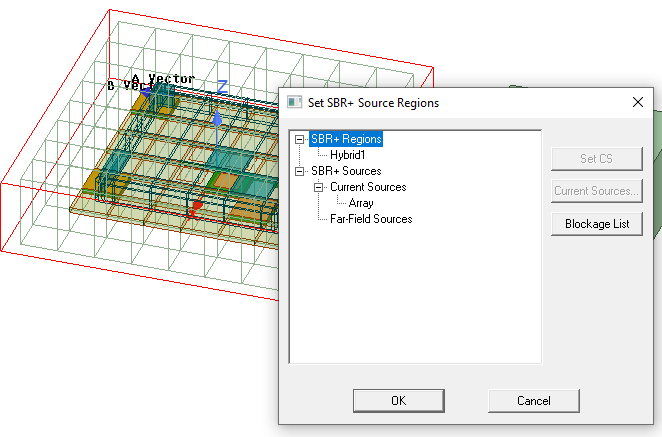
The SBR+ component array design supports any SBR+ workflows like the normal SBR+ design, except that excitation is limited to port only and no incident wave is allowed. Some UI controls are also improved for component array use. For example, the “SBR Source Region” is simplified since the component array is the only SBR+ source in SBR+ component array design.