An aperture boundary can only be assigned on a 2D sheet object assigned as IE Region. These objects will be meshed as part of the solution process.
To create an aperture boundary in HFSS:
- Create a 2D sheet object on the XY plane at the elevation of ground plane.
- Select the object and right-click Assign Hybrid>IE Region.
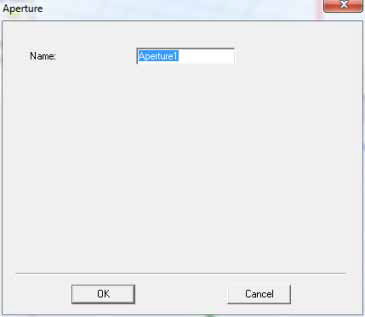
- Select the object and right-click Boundaries>Assign>Aperture to display the Aperture dialog.
- Type the boundary's name in the Name text box or accept the default name. (To change the default base name to one of your choosing, see Setting Default Boundary/Excitation Base Names.)