EM Subdesign Plotting on the Top-Level Design (2D and Circuit)
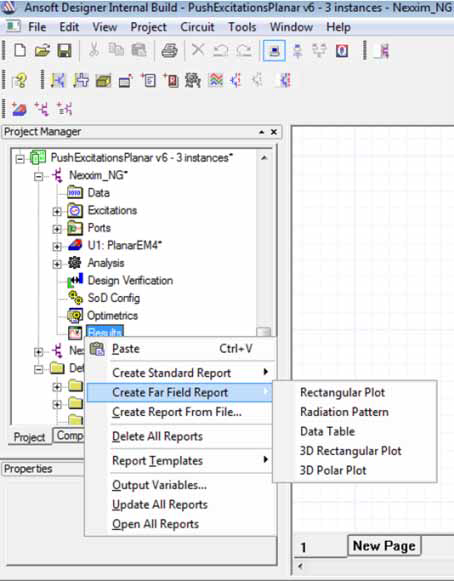
For a Nexxim project with EM subdesigns, plot reports on the subdesigns directly on the top-level Nexxim
design. When the reporter window is invoked on the top-level Nexxim
design, it contains a drop-down menu in the Context
group box that can specify the Subdesign. When the Subdesign
selection is set to the <none> default, the domain, categories
and quantities shown in the reporter window are related to the top level
design.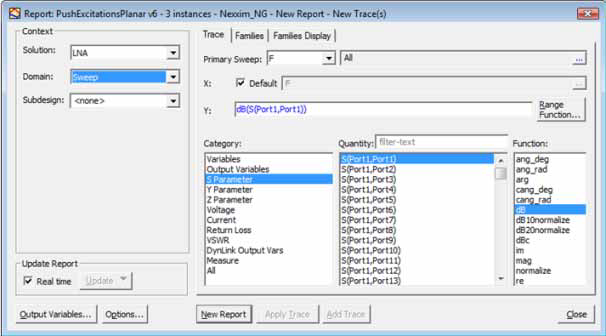
But when the Subdesign selection is set, the reporter window populates with Category and
Quantity values on the subdesign. This allows you to plot EM responses on the top-level reporter window, rather than editing
the subdesign and opening the reporter window there.
Additionally, plot far field reports from
the subdesign.