Coupling Editor
The EMIT Coupling Editor provides a single multi-pane multi-function window that allows the user to manage and visualize all of the antenna, emitter and coupling associated with an EMIT design. The Coupling Editor is opened via the right-click menu on the Coupling folder in the Project Manager or by double-clicking it. You can also access the Coupling Editor via the Coupling Editor icon on the Simulation ribbon menu of the EMIT design: 
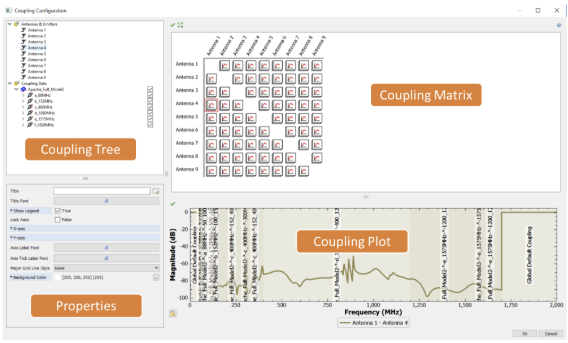
The contents of each pane in the Coupling Editor depends on the current selection in the dialog box. When an item from the Coupling section of the tree is selected, the dialog looks like the image below, showing information on the selected coupling.
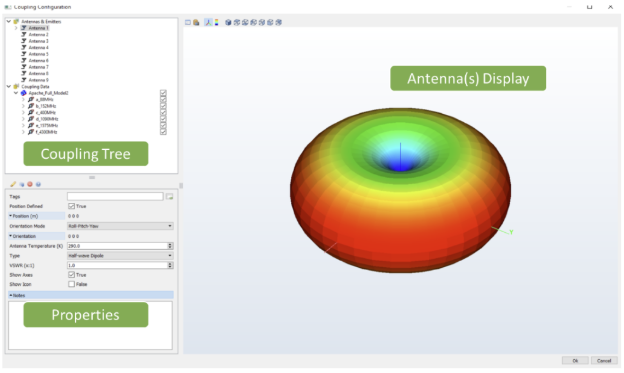
When an item from the Antennas & Emitters section is selected, the dialog shows the antennas' locations and patterns (if defined) as shown below. Selecting one of the antennas displays that antenna’s pattern (if defined) and selecting the parent Antennas & Emitters shows all of the antennas (if defined) in the entire design. Note that since Emitters do not contain pattern or position information, these are not shown in the 3D display.