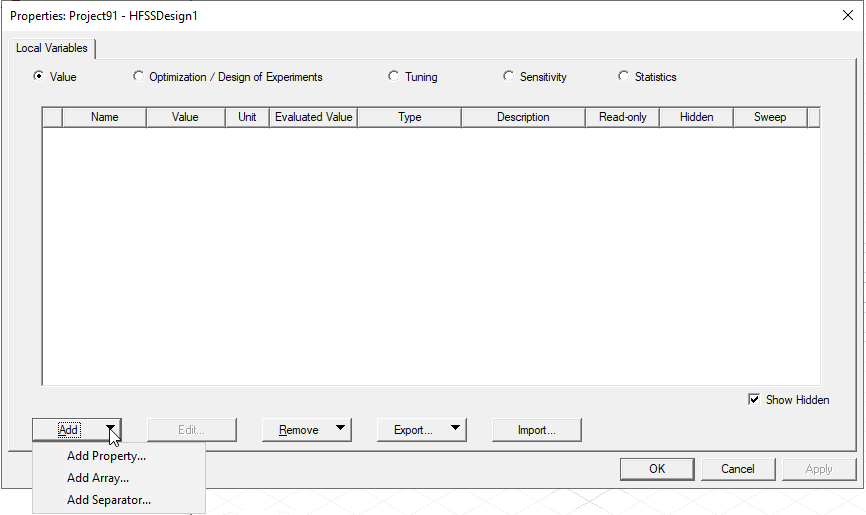
Working with Design Variables
Design Variables (Local Variables) are only available within the
The Design Properties menu item allows you to access up to three tabs, depending on your design:
- Parameter Defaults – local variables with default values that can be overridden in instances of a design. For example, if three subcircuit instances contain a parameter default C1 that is defined as equal to 11.3pF, C1 may be overridden as 11.8pF in the first instance, overridden as 10.9pF in the second, and left at its default value of 11.3pF in the third. A property value that has been set by means of a parameter default is called a passed parameter. Parameter defaults can be defined from a component or at the design level.
- Local Variables – variables, which you define, that apply to the current design only. Local variables can be defined from a component or at the design level.
- General – pre-defined design variables that cannot be changed. You cannot use the names of these variables when creating a new variable.
Not all tabs appear for all designs.
Importing and Exporting Variables
Once you have defined Design Variables, you can export them to a csv file, and import them to another project or design. If there are naming conflicts on import, these are flagged as errors. The Properties dialogs for Design Variables include Import... and Export... buttons.