
Selecting a Scheduler
Access the Select Scheduler window one of three ways:
- Click Tools > Job
Management > Select Scheduler...

- Select the Simulation tab and click the Scheduler icon.

- From a command window, use the -showselectscheduler command.
The Select Scheduler window appears:
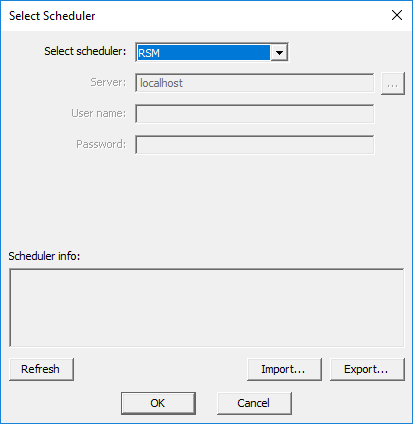
From the Select Scheduler window:
-
Use the Select scheduler drop-down menu to select a scheduler.
Note:If you select a scheduler that is unsupported in your environment, you will receive a warning message.
See HPC Integration for a list of currently supported schedulers.
- If applicable for the scheduler type, enter server and user information. If Ansys Cloud Burst Computing is selected then the “Login” button will open the default browser and prompt for login.
- Click OK to complete your selection.
Information about the selected scheduler appears in the Scheduler info field.