
Setting Report2D Options
Follow this procedure to set Report2D options in Twin Builder:
- Select Tools > Options > General Options > Reporter > Report2D.
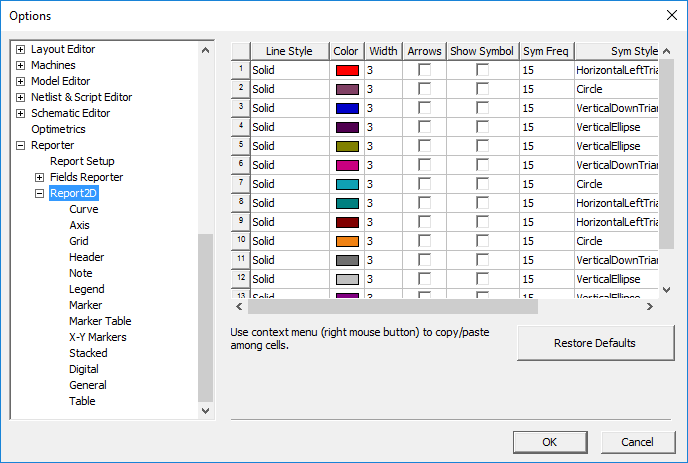
- The Report2D section has the following options:
- For properties controlled by check boxes, you can set values for all curves. Click the column header cell that contains the property title. Right-click a text field cell to cut, copy, and paste values. Right-click a menu cell to copy and paste entire rows.
- Click Restore Defaults to revert your changes to their default values.
- Click OK to save your changes and close the Options dialog box.