
Changing the Name of a Component Dialog Box
To change the name of a component dialog box:
- Right-click an empty portion of the component dialog box and select Properties. The Properties dialog box opens.
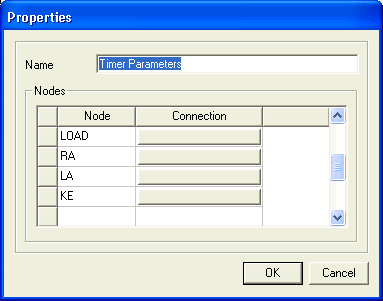
- Type the name of the component dialog box in the Name field.
- Click OK.
The new name becomes visible in the title bar of the component dialog box.