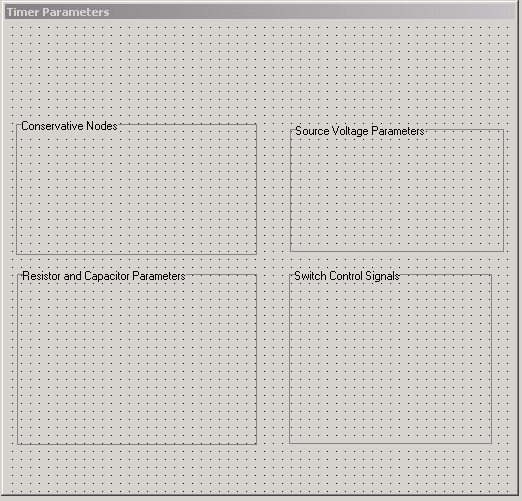
Adding Groups to a Component Dialog Box
Groups are static information elements that provide visual organization in a component dialog box. Because groups are typically the largest elements added to a component dialog box, you should add them first.
Follow this procedure to add a group to a component dialog box:
- Select Controls > Group
from the Component Dialog Wizard
menu bar.
- You can also click Add Group on the Component Dialog Wizard standard toolbar.
- Click the component dialog box to place the new group.
- Drag the group to its desired location in the component dialog box.
- Right-click a group border. The Properties dialog box opens.
- Edit the group name in the Name field on the Group Data tab.
- Click OK.
Several completed groups are shown in the following illustration: