
Launching SIwave
SIwave can launch from Windows or from the command line.
Launching SIwave from Windows
- Use the Start Menu to navigate to Ansys EM Suite [Version] > Ansys SIwave [Version].
Alternately, double-click the Ansys SIwave icon on the desktop:

SIwave opens, and the Ansys Product Improvement Program window appears.
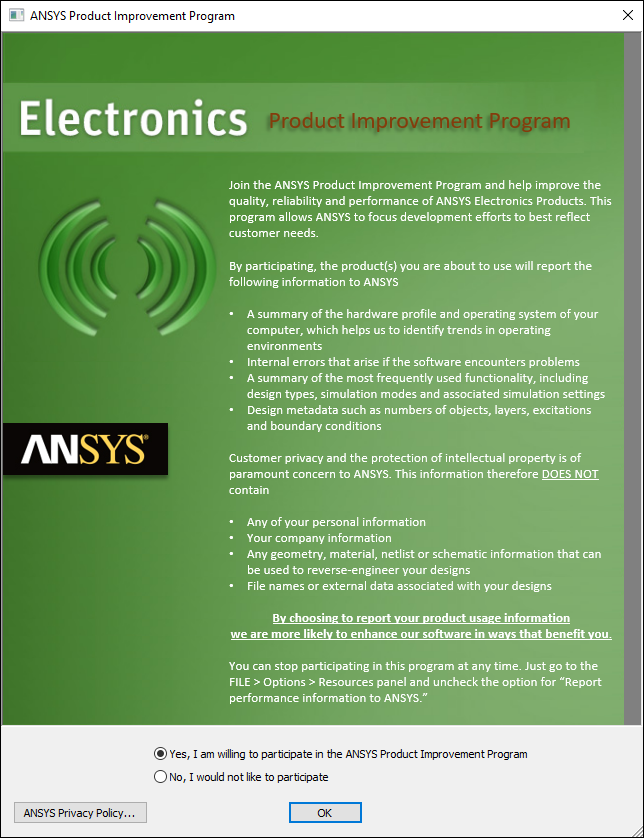
- If you wish to view the full privacy policy, click Ansys Privacy Policy.
- Select Yes to participate or No to decline. For more information (including instructions for changing this selection), see: Ansys Product Improvement Program.
- Click OK.