
Running a Validation Check
To run a validation check:
- Click Simulation > Validation check.
A progress bar displays the validation check progress. When the check has completed, the number of Errors and Warnings display:
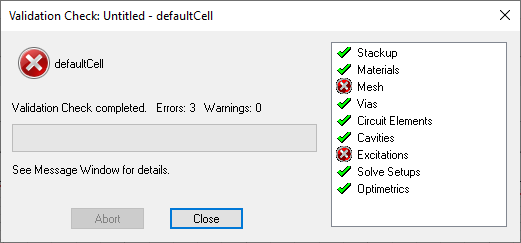
A green check mark appears next to items that have passed validation. A red X appears next to items that have failed validation.
Additional details may be available in the Message Manager.
- Click Close to exit.