
Polygon Editor
The Polygon Editor appears when you specify that a pad, antipad, or thermal pad is polygonal in shape.
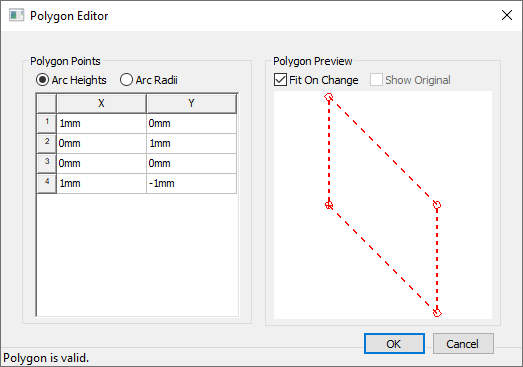
The window is divided into two sections:
- Polygon Points – lists the points of the polygon. Right-click in this area to add points, then edit the values in the X and Y columns.
- Polygon Preview – displays a preview image of the polygon. Right-click in this area to zoom in, zoom out, fit the polygon to the view window, or change the display attributes.