
Rotating Objects
Rotate objects about the x-, y-, or z-axis using the Edit> Arrange> Rotate command.
To rotate objects about an axis:
- Select the objects to rotate.
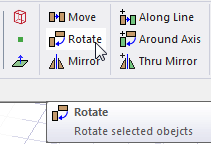
- From the menu bar, click Edit> Arrange> Rotate or, on the Draw ribbon tab, click the Rotate icon:
The Rotate dialog box appears along with the Measure Data window. A visualization of the proposed change appears in the Modeler window.
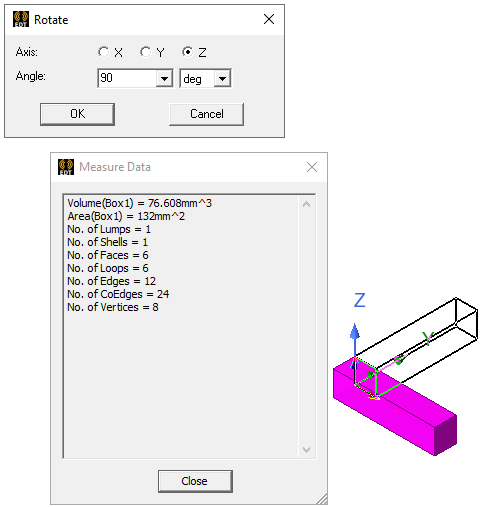
- Select the axis about which to rotate the objects: X, Y, or Z.
- Type the angle to rotate the objects in the Angle box.
If you have previously specified values, or have created Project or Design Variables, this are listed in the drop-down menus.
A positive angle causes the object to be rotated in the counter-clockwise direction. A negative angle causes the object to be rotated in the clockwise direction.
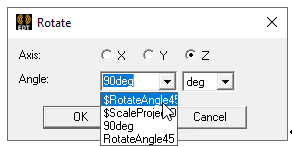
- Click OK.
The selected objects are rotated about the axis.
To rotate and copy objects, use the Edit> Duplicate> Around Axis command.