Working with the RMxprt Status Bar
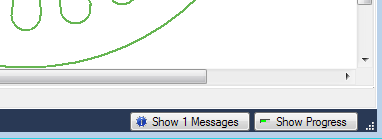
The status bar is located at the bottom of the application window. It displays information about the command currently being performed.
To display or hide the status bar: click View > Status Bar.
A check box appears next to this command if the status bar is visible.
When visible, the status bar contains buttons to show or hide the message window and progress window.