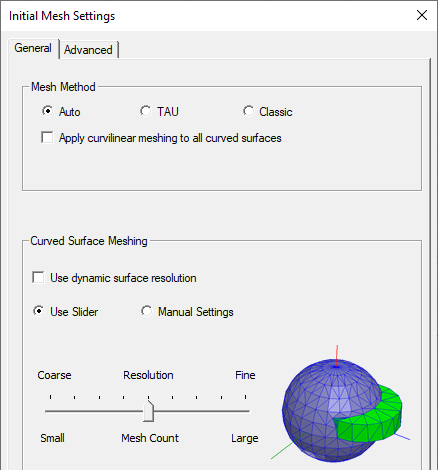
Surface Approximation
Surface Approximation is a mesh operation that controls the initial mesh generation. If you modify the default surface approximation settings, the initial mesh is invalidated. They are used for models with curved surfaces. In HFSS, you can access these settings in two places. When you select a curved surface, right-click and choose Assign Mesh Operation > Surface Approximation from the short-cut menu, you can define the settings for the current selection of the object. The slider permits you to set surface approximation in convenient way. The actual slider bar values applied can be interpreted differently by different solvers as is suitable in each case (for instance, it is more refined for IE Regions or SBR+ Regions than for FEM).
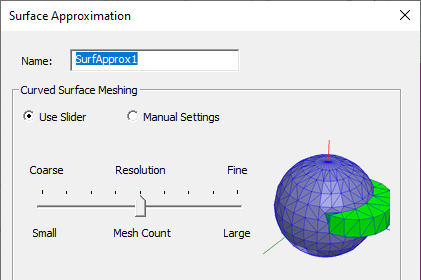
However, when you right-click Mesh in the project tree and select Initial Mesh Settings, you can define the settings at a global level. Additional options in this panel include Mesh Method and Apply curvilinear elements check box.