
Scripting in Workbench
Scripts that include Ansys Electromagnetics projects can be recorded and run in Workbench.
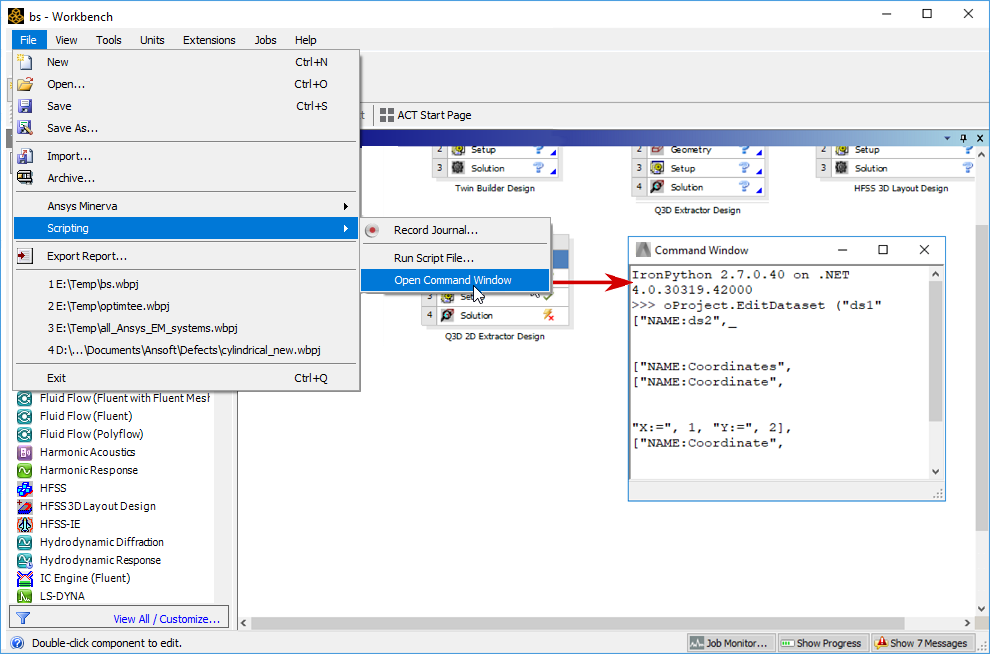
When a Workbench journal is run from the command line, Electronics Desktop allows the Ansys EDT portion to also run in batch mode (that is, when using RunWB2 -b).
Example: From a Windows Command prompt, enter the following command to replay the journal named "myReplayJournal.wbjn":
RunWB2 -b -r myReplayJournal.wbjn