Viewing Thermal and Flow Monitors
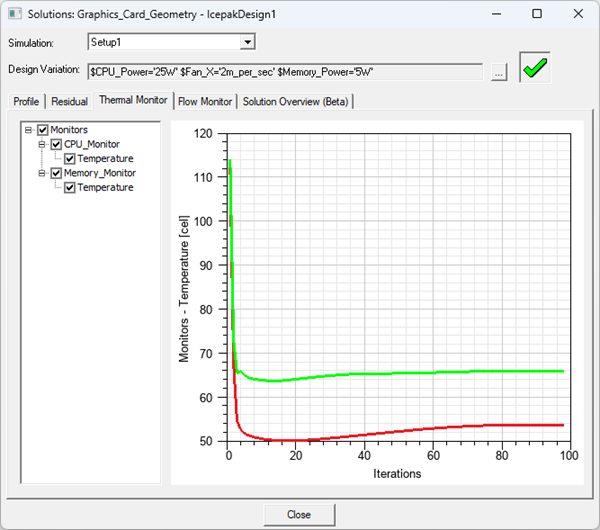
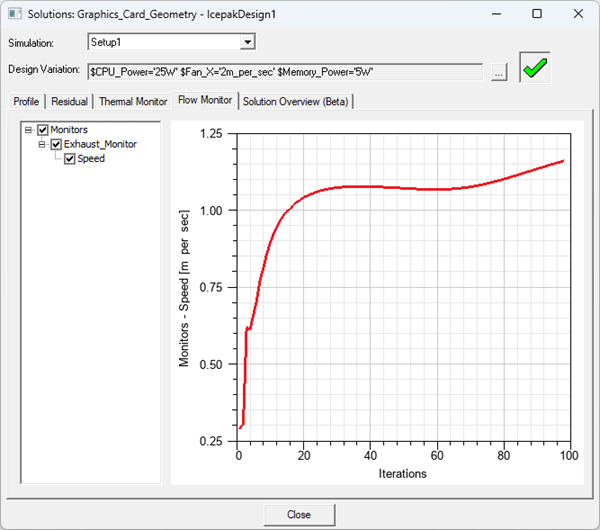
At any time during or after the solution process, you can examine the thermal and flow monitors you created before analyzing the solution setup.
In the project tree, right-click the solution setup of interest, and then click Thermal Monitor or Flow Monitor on the shortcut menu.
The Solutions dialog box appears. The Thermal Monitor or Flow Monitor tab is selected.