Mesh Fusion
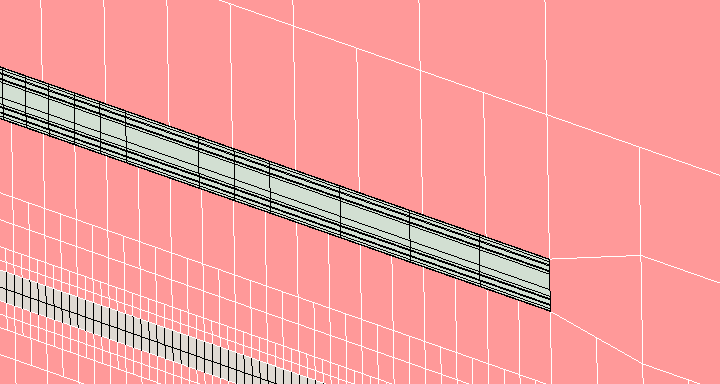
Mesh fusion automatically groups and meshes geometries in a mesh region that uses the mesh slider bar. When enabled, it divides the geometries into sub-domains, which are then meshed separately using automatically selected meshing methods to yield high quality meshes.
When you initially create a mesh region, its Enable Mesh Fusion setting is based on the Global mesh region Enable Mesh Fusion setting. Changing the Enable Mesh Fusion for the Global mesh region does not affect the settings of existing mesh regions.
In the model displayed below, a PCB is meshed with mesh fusion enabled.
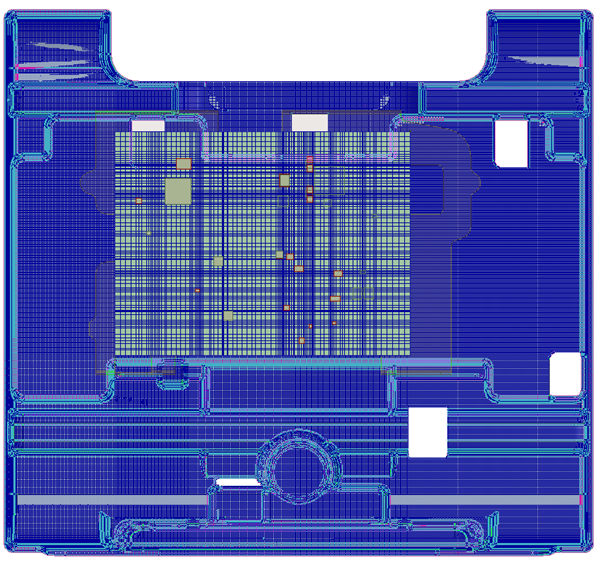
In the image below, note how simple Cartesian mesh is used to mesh the PCB, while 3D multi-level meshing is used to mesh the complex CAD enclosure.
The coarsest slider bat setting (level 1) is suitable for models consisted of only primitive geometries (no CAD bodies).
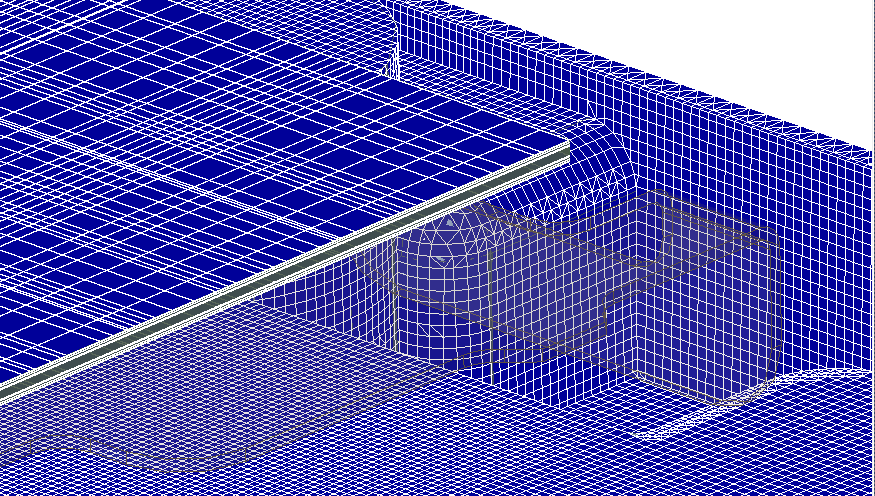
In the image below, note the layered mesh of the PCB, which represents one sub-domain. The mesh surrounding the PCB exists outside the sub-domain and has a less refined mesh.