Modifying an Animation Setup
The Edit button on the Select Animation dialog box opens the Modify Animation Setup dialog box.
It opens showing the selections for variables and the selected values.
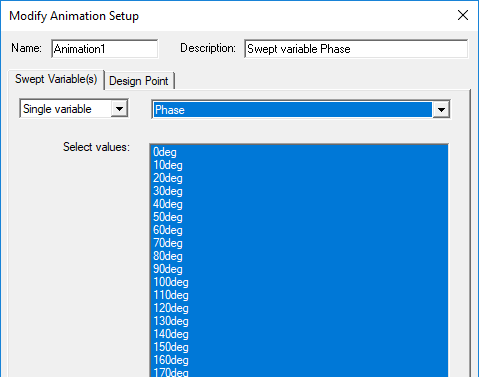
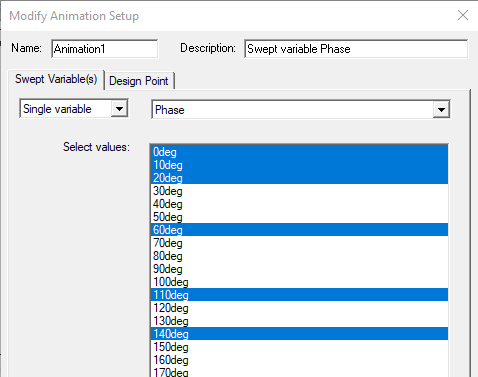
You can de-select or select any values.
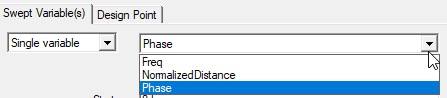
If other variables have been defined, you can select from the drop down list.
If the other variables have or can be set to appropriate values, you can modify the animation.
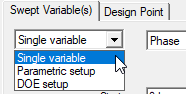
If Parametric Setups or DOE Setups are available, you can select these.