
Launching Ansys Electronics Desktop
Once you have installed Ansys Electronics Desktop, start the program using one of the following methods:
- On the Windows desktop, double-click the Ansys Electronics Desktop icon.
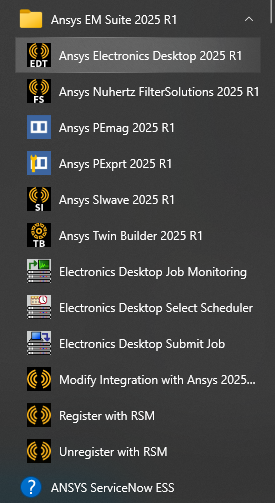
- From the Windows Start menu, select Ansys EM Suite 2025 R1 > Ansys Electronics Desktop 2025 R1.

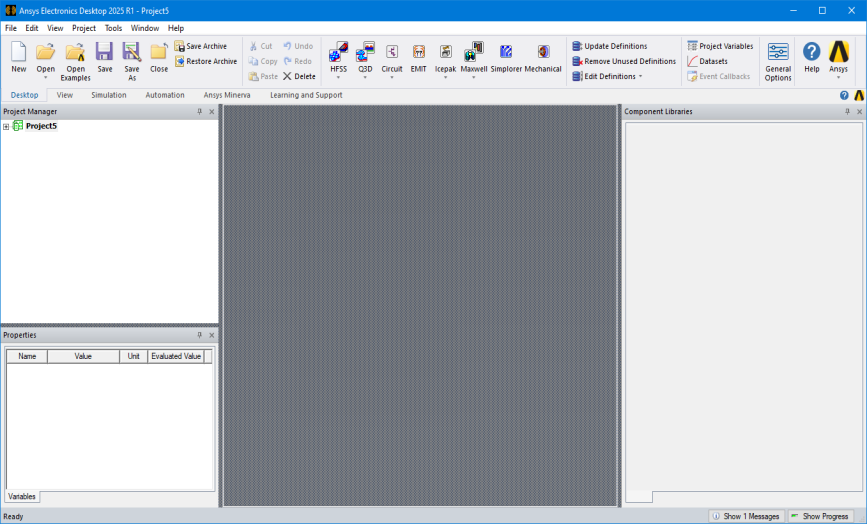
Ansys Electronics Desktop opens.
If the program fails to start, ensure that:
- You have installed the licensing option provided to you. For detailed information on installing the software and licenses, see Ansys EM Suite Installation.
- Ansys QA Services are not enabled. To disable, change the value of the ENABLE_ANSYS_QA_SERVICES environment variable to 0.
This topic provides links to the Ansys installation guides (Windows and Linux) and product-specific platform support information.