
Uniting Primitives in IC Mode
Complete these steps to unite two or more primitives that overlap on the same layer.
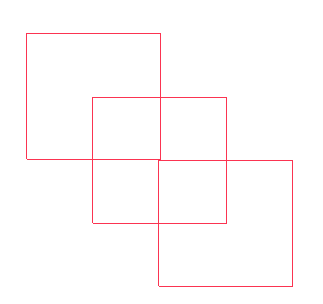
-
If the Layers window is not visible, navigate to the Layers tab. Click the Layers tab to open the window.
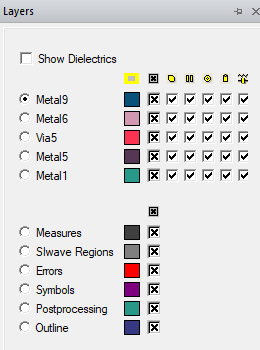
-
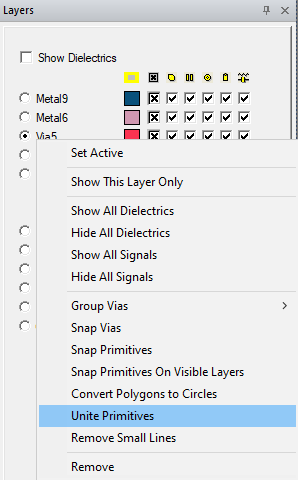
Right-click the chosen layer (e.g., Via5) and select Unite Primitives.
Any overlapping primitives merge and their internal boundaries (i.e., the overlapping aspects of the primitives) are removed.
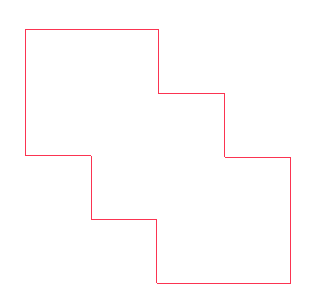
Note:
Compare to Uniting Primitives in ECAD Xplorer.