
Complete these steps to export simulation results in ASCII tabular format.
1. Open the plot you want to export.
2. From the Report2D menu, select Export to File. (Alternatively, right-click the data table, then click Export to File.) to open the Export plot data to file window.
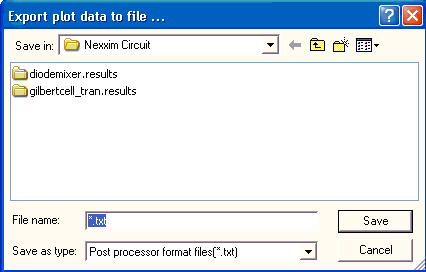
3. Browse to the directory, then give the file a name. Click Save.