
IronPython Script Execution Environment
Scripts written in IronPython are executed by desktop in four different ways:
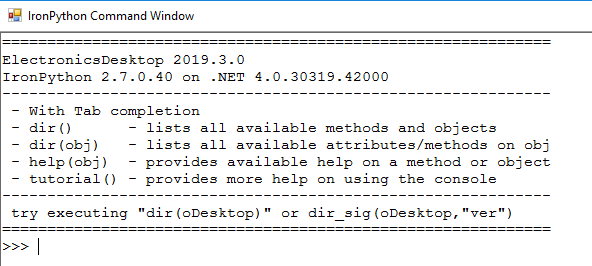
- Tools > Open Command Window, to open the IronPython
Command Window:
- Tools > Run Script menu item, select "IronPython" from the file type drop-down list.
- Launch the product with a script argument.
- HFSS -runscript someScript.py to keep HFSS GUI open after completing script execution.
- HFSS -features=beta -ng -runscriptandexit someScript.py to run HFSS in a non-graphical mode and exit after script completion. Note that this is a beta feature supported for the HFSS and 3D Layout design types.
- Register an IronPython script as an external tool using the Tools > External Tools menu item.
When desktop executes a script, it does so in an execution environment setup with predefined variables and functions. These predefined variables and functions are how the script communicates with the desktop, and they come in four flavors addressed in the following subtopics: