
Multimode Simulations in HFSS Terminal Solutions
This release allows you to mix modal and terminal ports in an HFSS Terminal Solution. You can add Modal Wave Ports, Modal Lumped Ports, Terminal Wave Ports, and Terminal Lumped Ports to a single simulation. This is particularly helpful for component assembly where one component cones from modal design, and another from terminal design. You can now assemble them in a single design without having to manually edit component definition as the same solution type. The Excitations menu shows these ports as available.
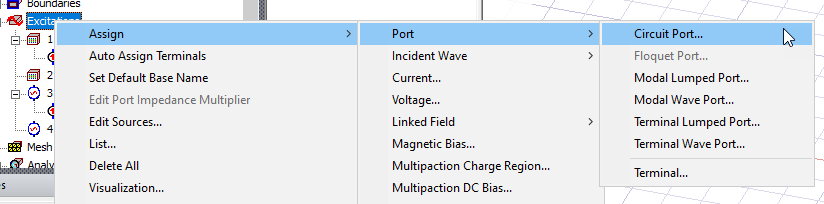
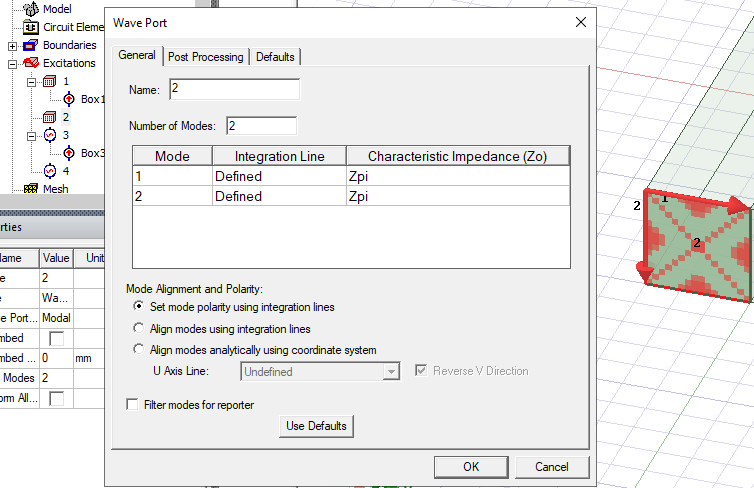
For mixed modal/terminal in HFSS Terminal simulation, the modal Wave Port dialogs are the same as before.
You can mix each kind of wave and terminal ports with the others.
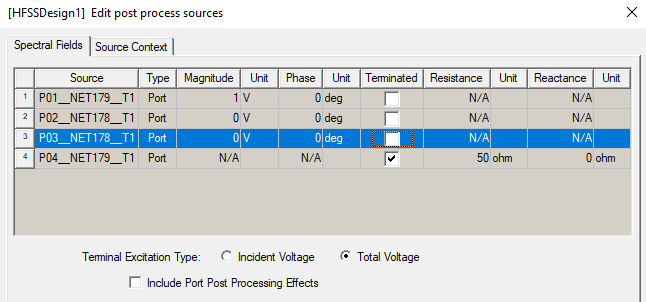
For an HFSS Terminal simulation with only terminal ports, the transient results in reporter are in Volts units, and you edit sources is in Volts units.
For an HFSS Terminal simulation with all modal or mixed modal/terminal, the results in are in Watt units.
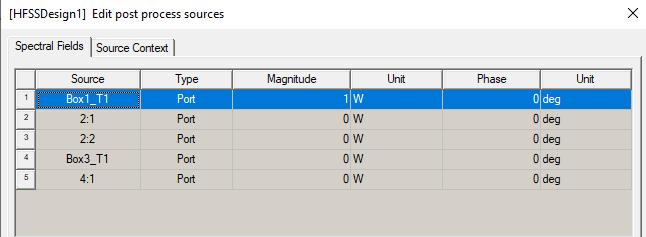
Consequently, for all modal, and mixed modal/terminal simulations, you edit sources in Watt units.