
Sample IBIS-AMI Models
Example industry standard models are provided, they can be generated from SPISim or from AEDT directly.
-
DDR5_Tx
-
PCleG2_Tx
-
PCleG4_Rx
-
PCleG4_Tx
-
PCleG5_16GT
-
PCleG5_32GT
-
PCleG5_8GT
-
PCIeG5_Tx
-
PCIeG6_TxRx
-
RX_PassThru
-
RX_PassThru_PAM4
-
TX_PassThru
-
TX_PassThru_PAM4
-
UCIe1p1_TxRx
-
USB3P2G1_LongCh
-
USB3P2G1_ShortCh
-
USB3P2G2_Rx
-
USB3P2_Tx
-
USB4_Rx
-
USB4_Tx
To generate a sample model in SPISim:
-
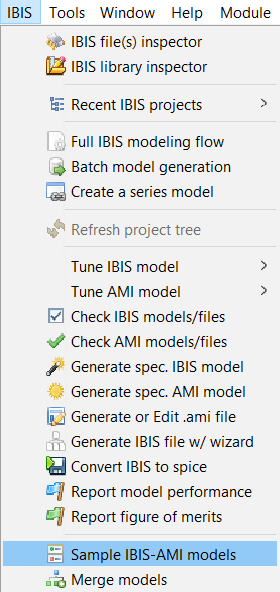
Select Sample IBIS-AMI Models from the IBIS menu.
-
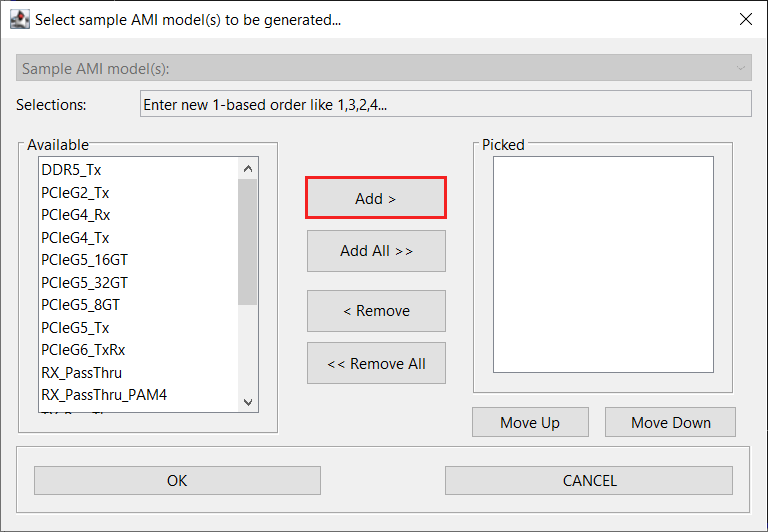
Select the model(s) by double-clicking the model name or by using the Add > button.
-
Click OK.
The model(s) will be generated in the working directory.
To generate the models directly from AEDT’s schematic editor for channel simulation:
-
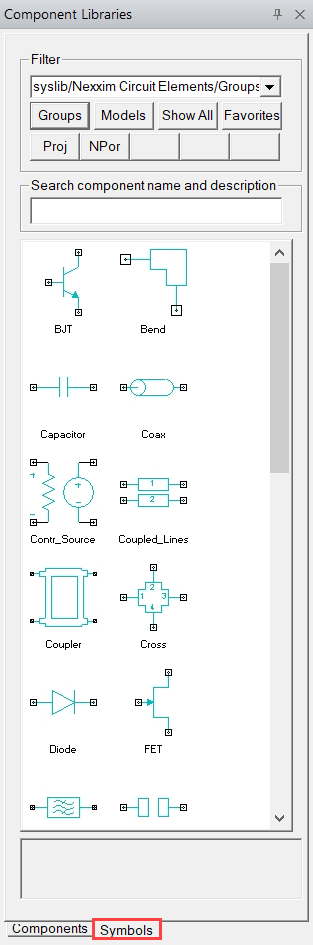
Select Symbols from the Component Libraries window.
-
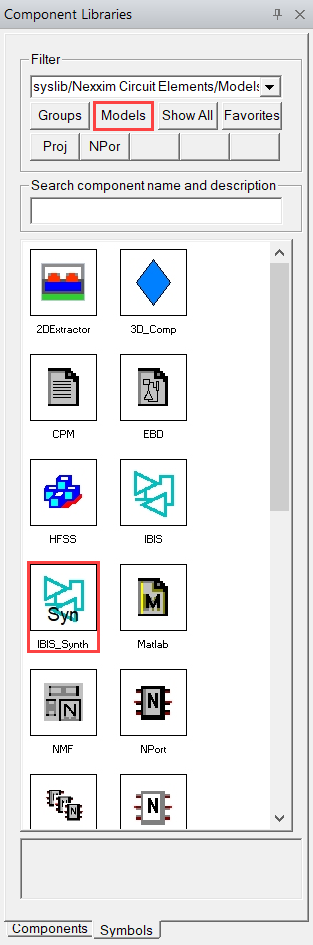
Select Models then IBIS_Synth to launch the Spec. IBIS Model window.
-
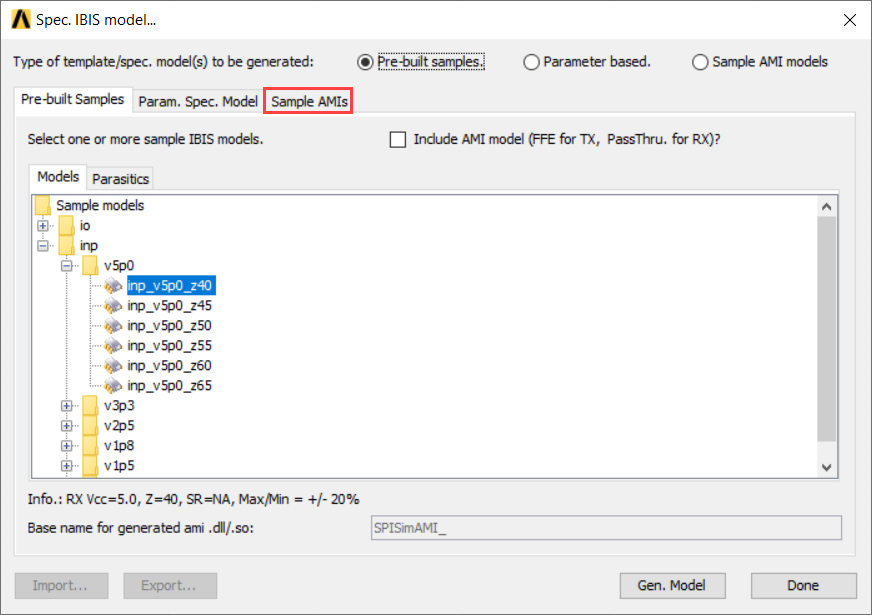
Select Sample AMIs
-
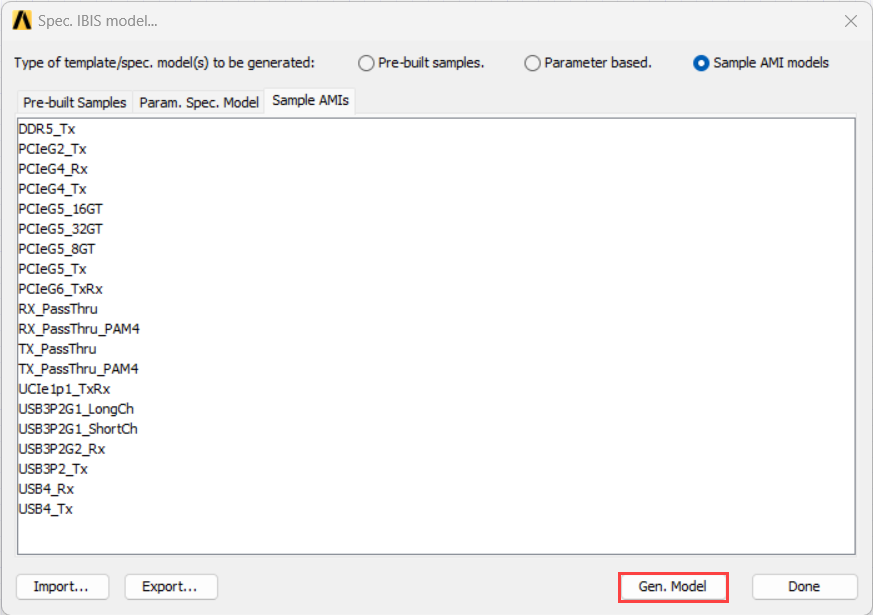
Select the model(s) and click Generate Model
-
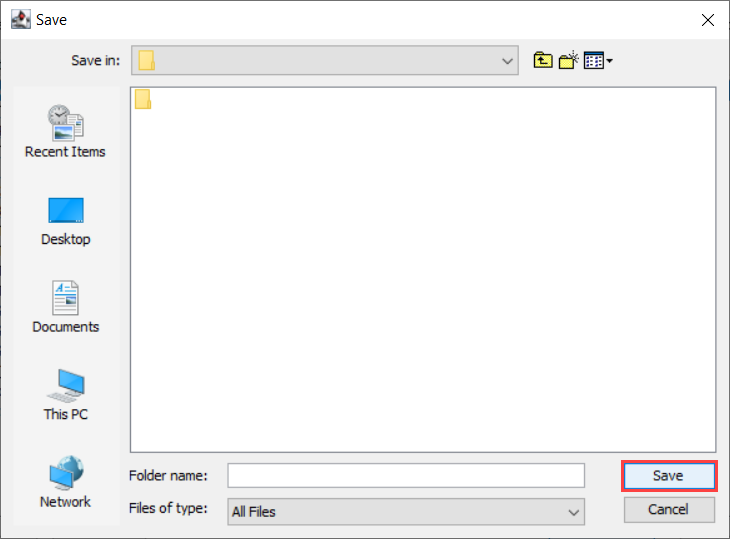
Select an output folder and click Save.
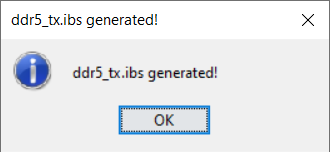
The model will be generated in the specified directory.