
Setting General Export Options
You can set the number of facets for pads, antipads, solderballs, vias, and bondwires.
To set export options:
- Click Export.
- From the 3D Exports area, click 3D Export Options to open the Export Options window.
- Click the General tab.
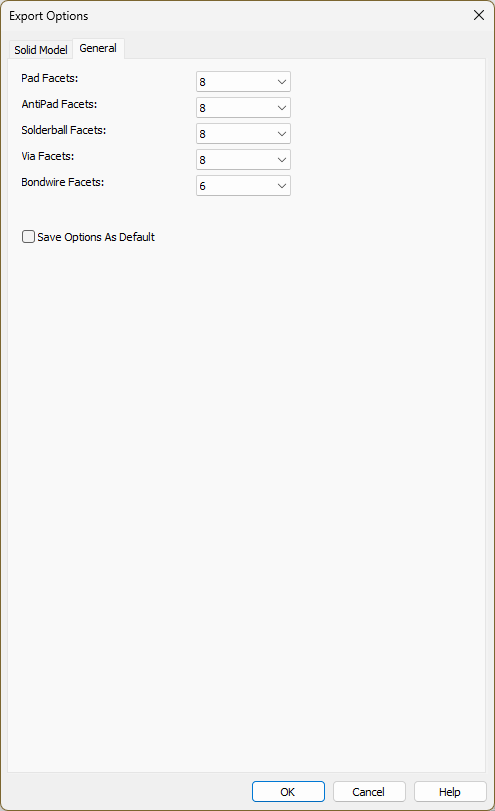
- Use the Facets drop-down menus to select the number of facets for each component type (i.e., Pads, Antipads, Solderballs, Vias, and Bondwires). Note:
If Set Ansys Mechanical Defaults was checked in the Solid Model tab, all numerical values are set to True Cylinder.
- If appropriate, check the Save Options As Default box.
- Click OK to save configuration settings.