
Renaming Nets
You can modify the name of a net.
To rename a net:
- From the Nets workspace, select the net you want to rename. Selected nets display with checked boxes.
- Click Tools. From the Net Operations box, click the Change Net Name icon (
 ).
).
The Enter New Net Name window appears.
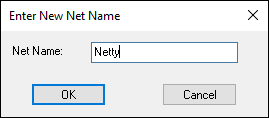
- Type a new Net Name and click
OK.
The name of the selected net is changed.