
Network Data Explorer – Displaying Full Port Names
By default, port names in Network Data Explorer are displayed in an abbreviated form: P1, P2, etc. This applies to both the Data Selection pane and the Data View pane.
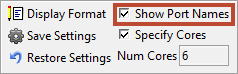
To change this so that full port names are displayed, select Show Port Names on the ribbon:
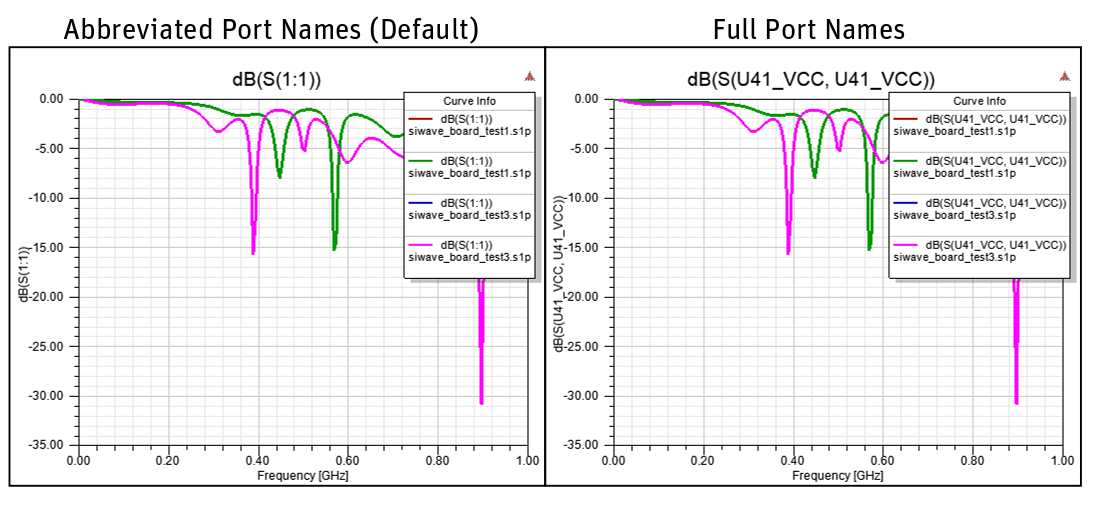
The following figure shows the difference in display for a plot.
Note:
Tool-tips always display the full port name.