
Modifying Lighting Properties
To change the lighting in SIwave:
- Click View > Lighting.
The Lighting Properties window appears.
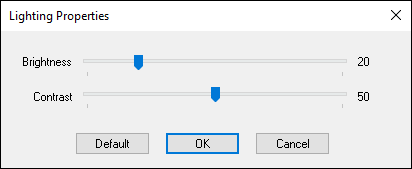
- Use the Brightness and Contrast sliders to change the settings to any discrete value between 1 and 100.
- Click OK to save the settings.
- If you need to return to the default values, open the Lighting Properties window and click Default.