
Modifying Circuit Element Parameters
You can edit the parameters of any circuit element. If required, you can also delete an element.
To edit the parameters, click Home > Circuit Element Parameters.
The Circuit Element Properties window appears. This windows lists all circuit elements in your layout: capacitors, inductors, resistors, ports, voltage probes, current sources, voltage sources, and net terminals.
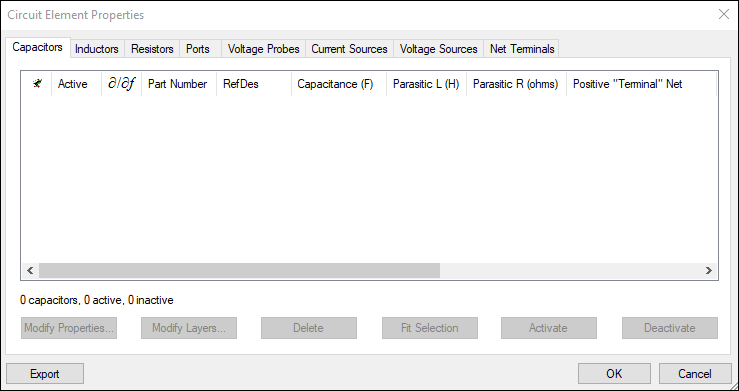
To view a specific type of circuit element, click its tab. All elements of that type are listed, and can be sorted by any column header.
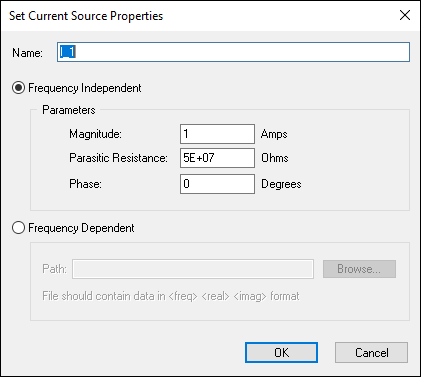
To modify a circuit element, double-click it. Alternatively, select the element and click Modify Properties. To modify sensitivity computation for
capacitors, inductors and inductors, select the value in the partial derivative ( ) column.
The relevant, editable details for that element display.
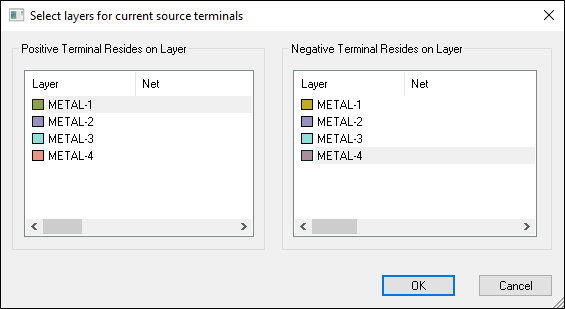
To modify the positive and negative layers of a circuit element, click Modify Layers.
The Select layers for <circuit element> window opens.
To delete a circuit element, select it and click Delete.
To fit a circuit element in the selected area, click Fit Selection.
To activate or deactivate an element, click Activate or Deactivate.
To export the circuit element table data, click Export. You can save the information as a .ce file.