
Finding and Fitting Components
SIwave can search for components based on part names or reference designators.
To find components:
- Click Tools. From the Inspection Tools area, click Find Component...

The Find Components window appears.
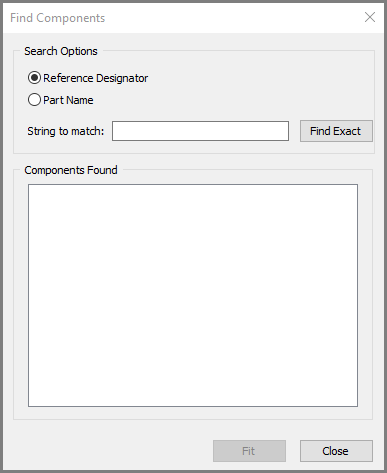
- Click either Reference Designator or Part Name, and enter the search.
This can include wild cards:
*
Matches any sequence of characters.
For example, net* selects objects net_1a, net_1b, netLength.
?
Matches any character.
For example, net_? selects objects net_1, net_2, net_a, net_b.
- Click Find Exact.
- To zoom in to the selected component in the Modeling workspace, click Fit.
- Click Close.