
Exporting Reports
Reports can be exported from Ansys Electronics Desktop in a variety of data formats, and as graphics.
To export a report:
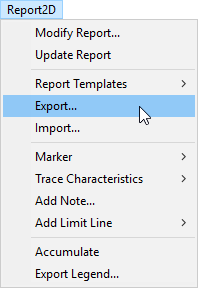
- Click Report2D > Export...
The Export Report window appears.
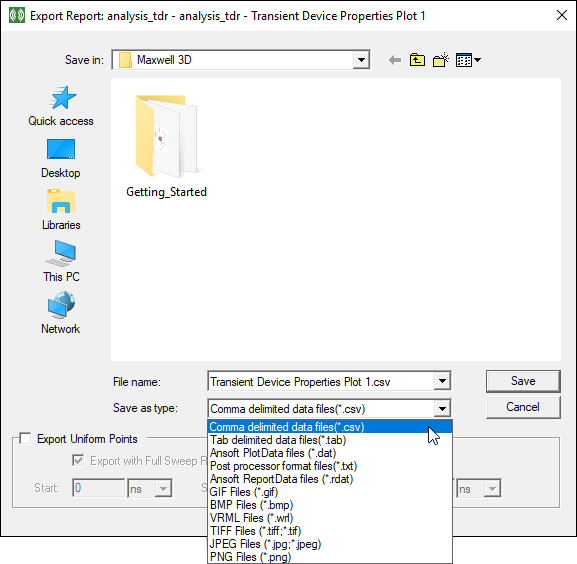
- Use the File Name field to name your file for export.
- Use the Save as Type field to select a file type.
- Some formats display an Export Uniform Points check box. Selecting this will generate a file containing the points for the given start, stop, and step at the given frequencies.
- Graphics formats display an Image Export Options area, where you can select the image size.

- Click Save to export your report to the selected location.