
Exporting an Impedance Scan Report
SIwave can generate an HTML report that contains the impedance plot image for every layer with the color scale in ohms. The file can also display tables showing impedance deviation thresholds, warnings, and violations.
For every net:
- A line segment shows neither a warning nor a violation when its impedance is within the warning threshold percentage of nominal impedance (either above or below).
- A line segment shows a warning when its impedance is greater than or less than the warning threshold, but within the violation threshold percentage of nominal impedance.
- A line segment shows a violation when its impedance is greater than or less than the violation threshold percentage of nominal impedance.
For example, given a nominal impedance of 50 ohms, a 10% warning threshold, and a 20% violation threshold:
- Impedance of 45-55 ohms = no warning or violation
- Impedance of 40-44 ohms = warning
- Impedance of 56-60 ohms = warning
- Impedance of 0-39 ohms = violation
- Impedance of 61+ ohms = violation
To export an impedance scan report in HTML format:
- Click Results > Impedance Scan > [Scan Name] > Export Report.
- From the Project Directory field, type your appropriate file name and path, or click Browse to select it.
- Click Save.
A Save As window appears.
The HTML file is exported to your chosen directory.
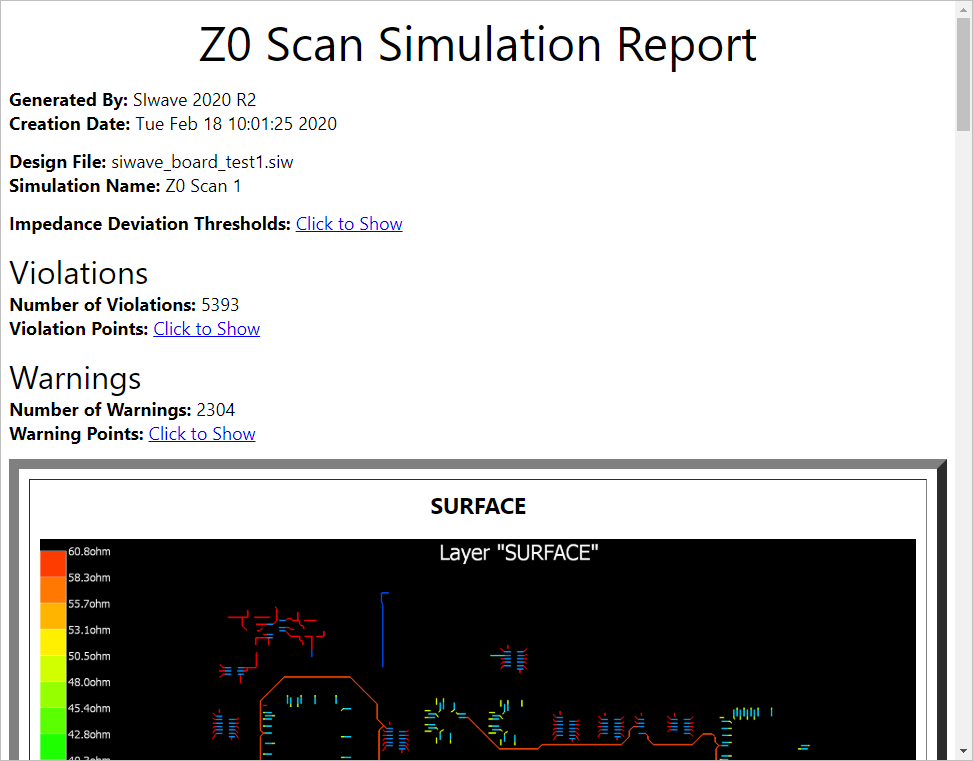
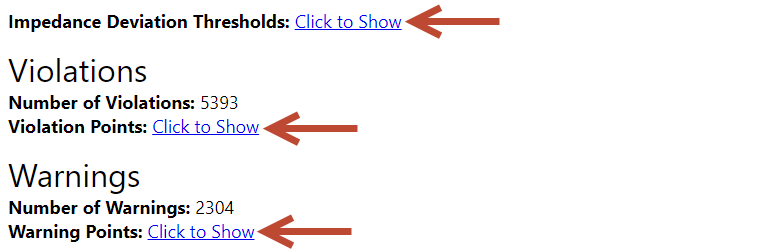
The Click to Show and Click to Hide buttons toggle tables listing impedance deviation thresholds, violation points, and warnings.
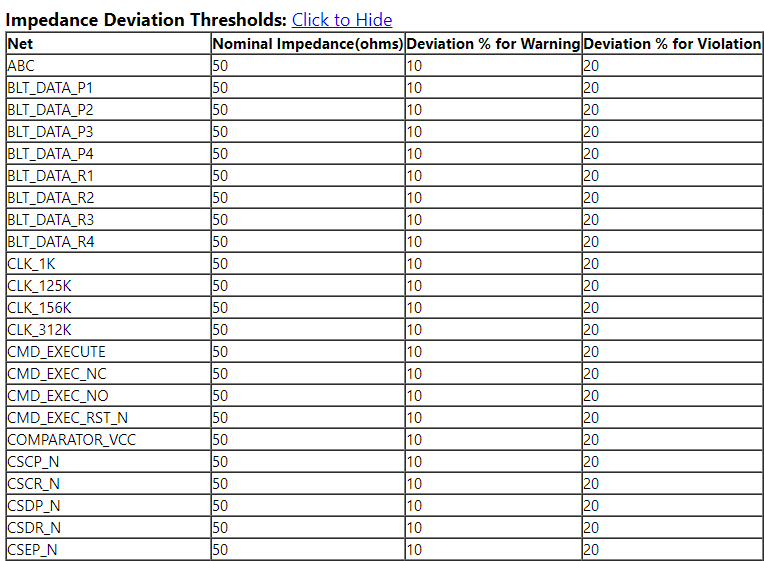
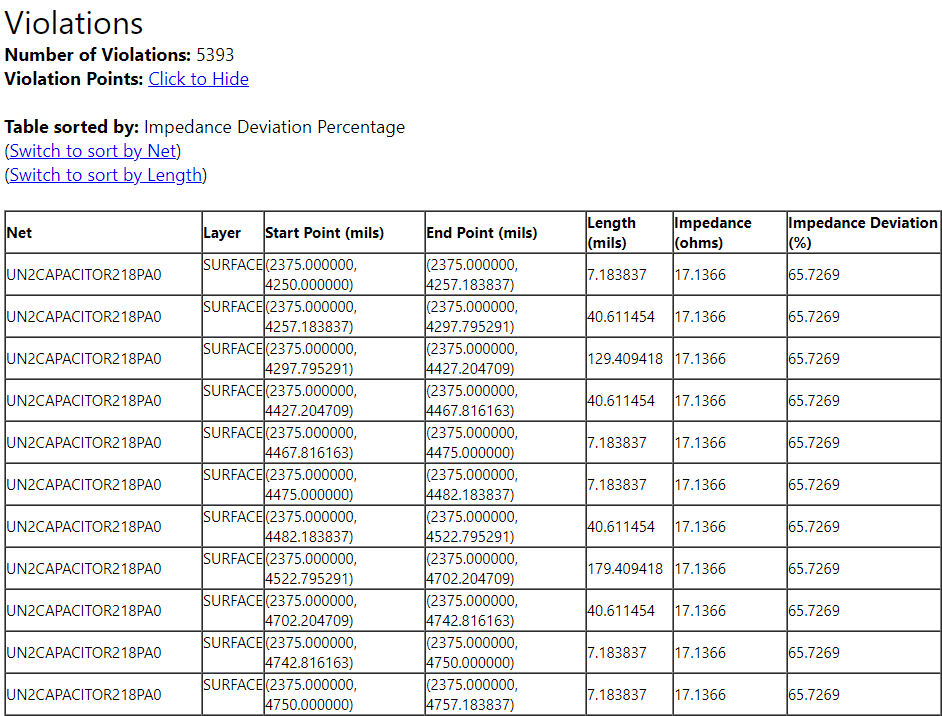
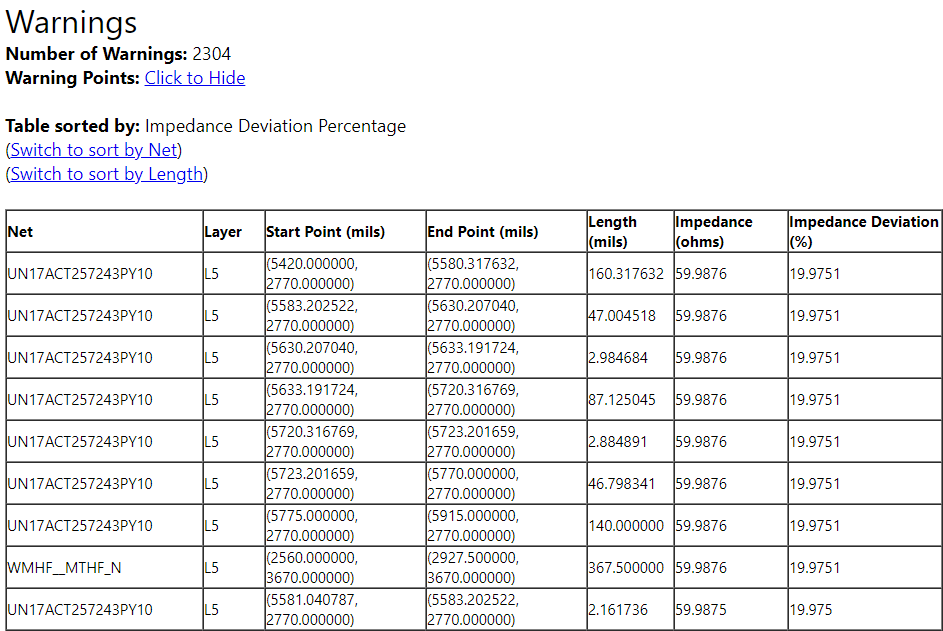
The Table sorted by field describes how Violations and Warnings are sorted. By default, both are sorted by deviation percentage. Use the Switch to sort... links to change this to sort by Net, Length, or back to Deviation.