
Editing IC Die Properties
You can view and modify the thickness and elevation of a die:
- Click Advanced > Die Stackup.
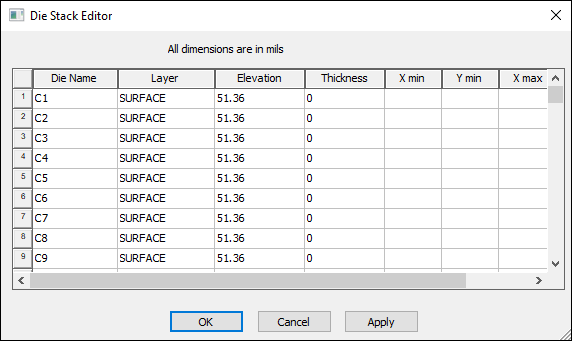
- To modify the name, elevation, thickness, or X and Y minimums and maximums of a particular die, click a cell and enter the new information.
- Click OK.
The Die Stack Editor window appears.
The Modeling workspace is modified according to the values entered. You can save the ANF for future use.