
Editing Gradient Background
By default, the Modeling workspace displays a gray gradient as its background.
To change the background:
- Click View. From the View Options section, click Background.
The Gradient Background Editor window appears.
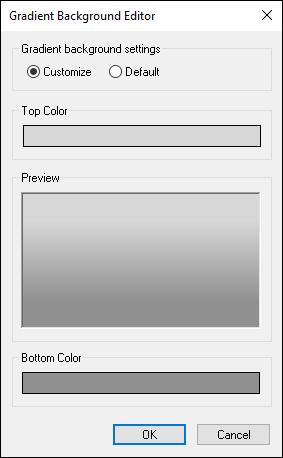
- Ensure the Customize radio button is selected.
- Click the color swatches in the Top Color and Bottom Color sections to change the colors.
The Color window appears.
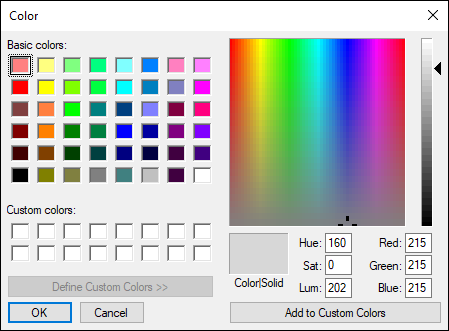
- Select your colors and click OK.
Your selections preview in the Gradient Background Editor window.
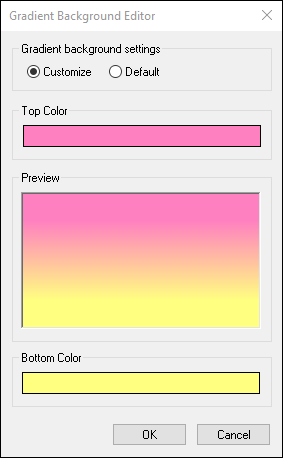
- Click OK.
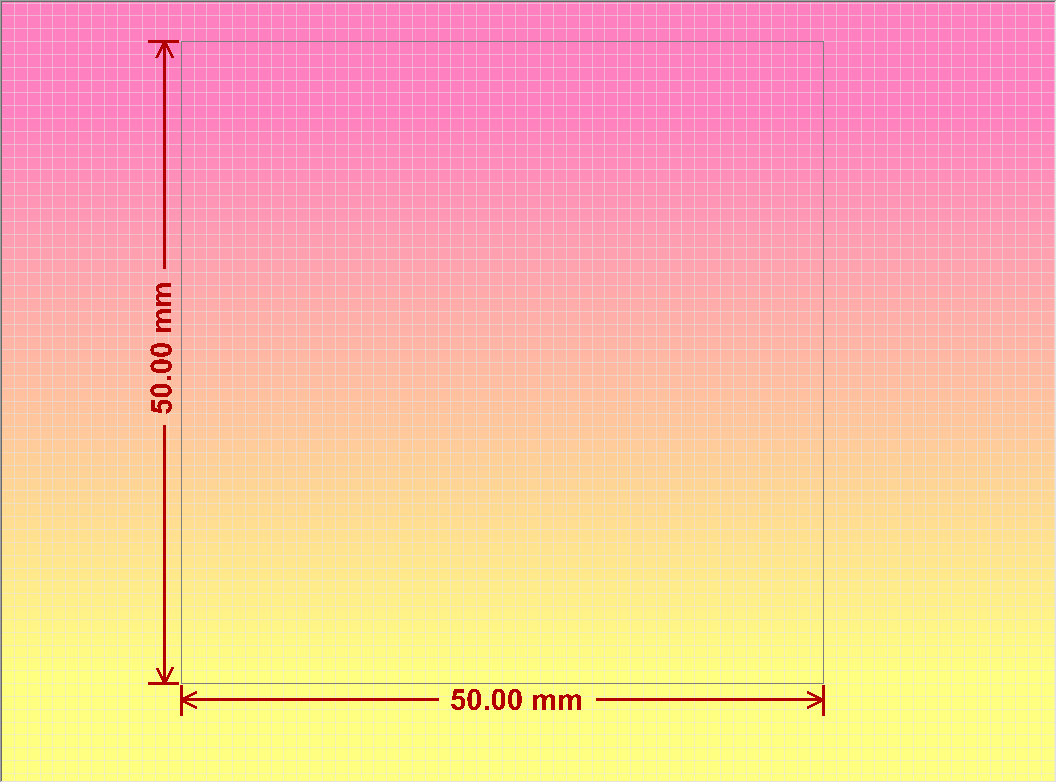
If at any time you wish to return to default settings, open the Gradient Background Editor and select Default. Then click OK.